AI to summarize pdf: Quick Tips & Real-World Use
AI to summarize pdf: Master fast, accurate summaries with practical prompts, tips, and real-world use cases to boost your productivity.
Ever feel like you're drowning in a sea of dense reports, academic papers, or lengthy contracts? If so, you're not alone. Using an AI to summarize PDF documents has become a go-to strategy for cutting through the noise. At its core, these tools use sophisticated language models to read and understand massive amounts of text, pulling out the essential information and presenting it in a short, easy-to-digest format. The whole point is to save you hours of manual reading and help you find critical insights fast.
Your Guide to Effortless PDF Summarization with AI

This guide is designed to be your practical playbook. We'll skip the buzzwords and show you exactly how to get accurate, relevant summaries every single time. It’s not just about making a document shorter; it’s about making your research, analysis, and overall workflow a whole lot smarter. Whether you're a student, a researcher, or a busy professional, this is for you. For those ready to dive right in, you can find more detailed instructions in a step-by-step guide for AI PDF summarization.
The explosive growth of this technology tells its own story. The market for AI document summarization was valued at a whopping USD 1.54 billion in 2024. Projections show it soaring to USD 12.38 billion by 2033, which makes it clear these tools are quickly becoming a standard part of modern work.
The Real Value Beyond Shorter Text
The magic of these tools isn't just about saving time—it's about boosting your comprehension. Instead of getting bogged down in technical jargon or wading through filler content, you can instantly grasp the core arguments, findings, and key takeaways of any document.
Think of it as having a personal research assistant. They pre-read everything for you and hand over a perfect brief with only the most important points. This frees up your mental bandwidth for what actually matters: critical thinking, analysis, and making informed decisions.
This approach is incredibly useful in a ton of real-world scenarios:
- Rapid Literature Reviews: Imagine scanning dozens of academic papers in an afternoon to pinpoint the most relevant sources for your thesis.
- Meeting Preparation: You can digest a 50-page business report just minutes before a crucial meeting and walk in completely up to speed.
- Contract Analysis: Quickly identify key obligations, deadlines, and potential risks in long legal documents without a painstaking line-by-line review.
To give you a clearer picture of how this technology helps different users, here’s a quick breakdown of its main advantages.
Key Benefits of Using AI to Summarize PDFs
| Benefit | Impact on Students & Researchers | Impact on Professionals |
|---|---|---|
| Efficiency Boost | Drastically cuts down on time spent on literature reviews and reading assignments. | Quickly processes lengthy reports, emails, and legal documents to speed up decision-making. |
| Improved Comprehension | Extracts key arguments and data from complex academic papers, making them easier to understand. | Pinpoints critical information and action items, ensuring nothing important is missed. |
| Enhanced Productivity | Allows for a greater volume of information to be processed, leading to more thorough research. | Frees up valuable time for strategic tasks instead of getting bogged down in reading. |
Ultimately, using an AI to summarize your PDFs is about working smarter, not harder. It's a straightforward way to handle more information with better accuracy and speed, giving you a serious edge.
Preparing Your PDF for Flawless AI Analysis
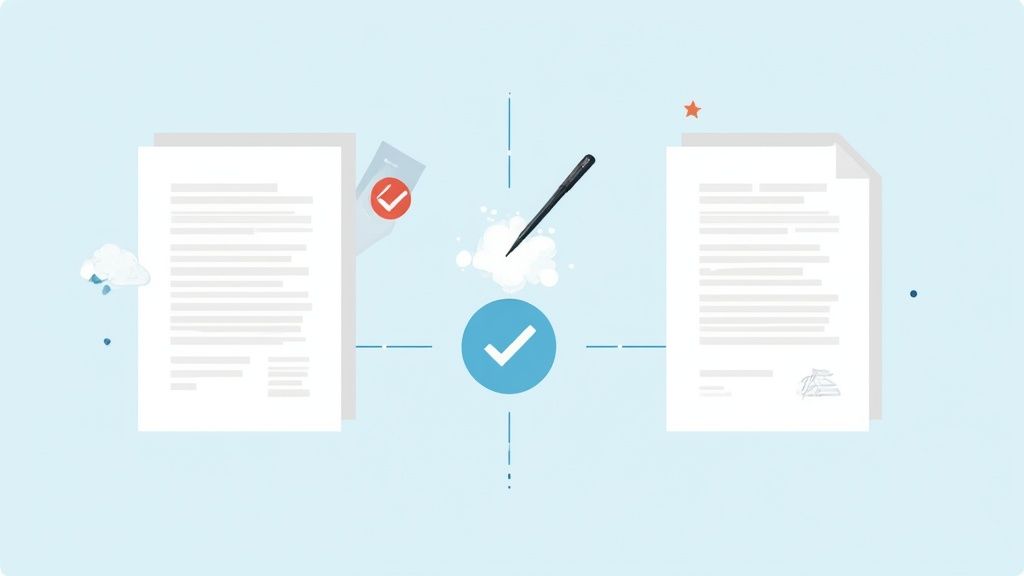
Before you even think about uploading a file, the success of your summary often hinges on the quality of the PDF itself. Think of it like cooking: you need good ingredients for a good meal. For an AI, that "good ingredient" is clean, accessible data. The single most common roadblock I see is a PDF that’s just an image of text.
Here's a quick test: try to click and drag to highlight the words in your document. If you can't, neither can the AI. This is a classic problem with scanned articles, old reports, or improperly saved files. To an AI, a non-selectable PDF is just a picture, which usually results in a frustrating error or a completely useless summary.
This is where Optical Character Recognition (OCR) saves the day. OCR is a technology that scans the "image" of your document and translates the letter shapes into actual, machine-readable text. Most modern PDF editors and plenty of free online tools have this feature built-in, turning a useless scan into a perfectly prepped file.
Dealing with Complex Formatting
Beyond having readable text, the visual layout of your PDF matters more than you might think. Documents with wild formatting—multiple columns, dense tables, or funky fonts—can sometimes throw the AI for a loop. It might get confused about the reading order or pull data from a table incorrectly, which messes up your summary.
For the best results, stick to cleanly formatted documents whenever possible. If a specific chart or table is absolutely essential, you could even try isolating it and asking the AI to focus only on that part. A little prep work here ensures the AI to summarize PDF workflow goes smoothly.
Managing File Size and Security
Huge files can be another source of headaches, particularly with free online tools that often have strict upload limits. A 200-page report packed with high-res images can easily crash a browser tab or get rejected by the server. Before uploading, it’s worth a moment to compress your PDF or even just remove pages that are pure fluff.
A simple check can save a lot of trouble: remove any password protection before uploading. An encrypted or locked file is completely inaccessible to the AI, which will immediately result in a processing error.
Finally, a bit of organization goes a long way, especially if you're working with multiple documents. If you're tackling a big research project, make a dedicated folder and give your PDFs descriptive names. This kind of basic housekeeping makes it so much easier to manage your sources later on. Taking these few preparatory steps lets the AI do what it does best: give you a clear, accurate summary.
And once you have that summary, you can take it a step further. Our guide on converting a PDF summary into effective notes shows you how to organize and act on those newfound insights.
Crafting Prompts for High-Quality Summaries
Just telling an AI to "summarize this" is like asking a chef to "make some food." You'll get something, sure, but it's a gamble whether it's what you actually wanted. The real trick to getting a sharp, useful summary instead of a generic overview is all in the instructions you provide. This is where you take the driver's seat.
Going beyond basic commands is what truly unlocks the potential of using an AI to summarize PDF files. Instead of a vague request, you can assign the AI a specific role, define a target audience, and even dictate the format of the output. Suddenly, the tool isn't just a text shortener—it's a specialized assistant that gets what you're trying to do.
The Anatomy of a Powerful Prompt
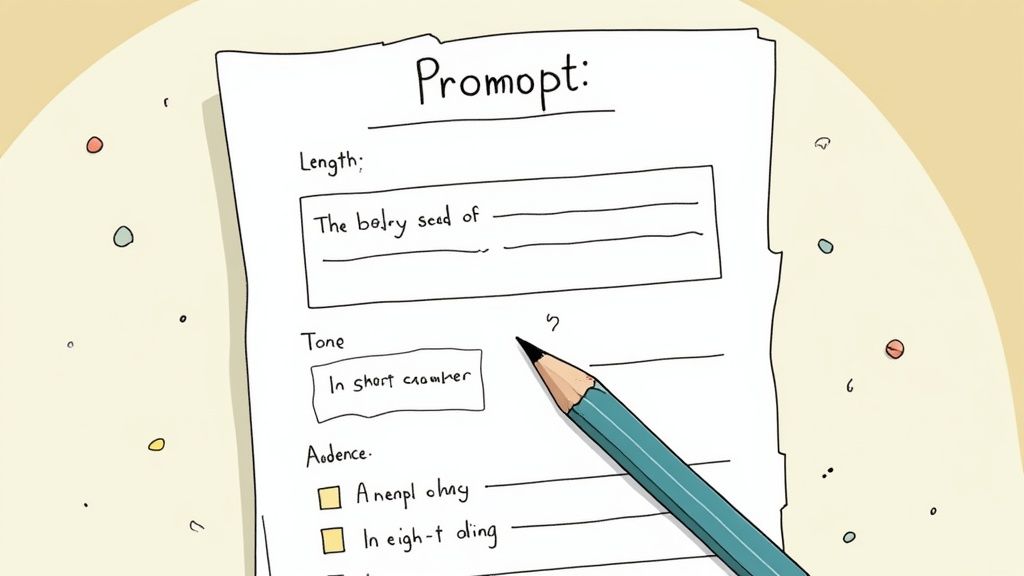
A great prompt almost always has a few key ingredients that steer the AI toward the perfect result. Think of it like giving a detailed project brief. The more specific you are upfront, the less time you'll spend fixing things later.
Here are the core components I always try to include in my requests:
- Role and Goal: Tell the AI who to be and what its mission is. Something like, "Act as a financial analyst and identify the key risks..." immediately sets the right context.
- Format: Be explicit about the structure you need. Do you want bullet points, a short paragraph, a table, or maybe even a Q&A format?
- Audience: Define who the summary is for. A prompt that says, "Explain this for a high school student," will produce a radically different result than "Summarize this for a CTO."
- Constraints: Give the AI clear boundaries. This could be a word count ("in under 250 words") or a specific tone ("use a formal, academic tone").
When you weave these elements together, you're building guardrails for the AI. This ensures the summary it produces is not only accurate but also perfectly suited to your purpose.
The Prompt Formula: My go-to starting point for almost any summary request looks like this: Act as a [ROLE]. Your task is to [GOAL]. Create a [FORMAT] summary of this document for a [AUDIENCE]. Keep it [CONSTRAINT], focusing on [SPECIFIC TOPICS].
This template is incredibly versatile. You can adapt it for boiling down a dense scientific paper for a class presentation, pulling key metrics from a quarterly report for a stakeholder update, or simplifying a complex legal document for a client.
Sample Prompts for Different Document Types
To give you a clearer idea, let's look at how this works in practice. The table below shows some tried-and-true prompts for various document types you might encounter. Notice how each one is tailored to a specific outcome, which is the key to getting great results every time.
| Document Type | Objective | Example Prompt |
|---|---|---|
| Academic Paper | Extract key findings for literature review | "Act as a research assistant. Summarize this paper's methodology, key findings, and conclusions in 300 words for a graduate-level audience." |
| Business Report | Get a quick overview for a meeting | "Provide a 5-point bulleted summary of this quarterly report for an executive team. Focus on financial performance, new client acquisitions, and strategic challenges." |
| Legal Document | Simplify complex terms for a client | "Explain the 'Indemnification' and 'Limitation of Liability' clauses from this contract in simple, non-legal terms. The audience is a small business owner with no legal background." |
| Technical Manual | Find specific troubleshooting steps | "Scan this user manual for the 'Factory Reset' procedure. Provide a numbered list of the exact steps a non-technical user should follow." |
As you can see, a little bit of direction goes a long way. The AI has the information; your job is to ask the right questions to get precisely what you need.
Real-World Examples for Better Results
Let's imagine you just uploaded a 40-page market research report on the electric vehicle industry. A generic prompt will likely spit out a few bland paragraphs.
Instead, you could try these much more targeted prompts:
- For a Busy Executive: "Provide a one-paragraph executive summary of the attached market report. Focus on market share trends, key competitors, and future growth opportunities."
- For a Marketing Team: "Create a bulleted list of the top 5 consumer trends identified in this report. For each trend, briefly explain its implication for marketing strategy."
- For a Technical Analyst: "Extract all mentions of battery technology advancements from this document. Present them as a table with columns for Technology, Key Benefit, and Company Mentioned."
This level of specificity is what separates a novice from an expert user. If you want to get better at this, a great way to practice is by using a tool like the OpenAI Playground. It’s a hands-on environment where you can experiment with different phrasing and structures to see what works best for your specific documents.
Unlocking Deeper Insights with Advanced AI Features
The best tools that use AI to summarize PDF files have moved well beyond just spitting out a condensed version of your text. They've become interactive partners you can actually have a conversation with. This completely changes the game, turning what used to be a passive reading chore into an active investigation where you can really dig into your documents.
The core of this evolution is the "chat with your document" feature. Instead of just getting a one-and-done summary, you can now ask direct, pointed follow-up questions. It’s a brilliant way to zero in on the details that actually matter to you.
Having a Conversation with Your Documents
Think about it. You just uploaded a dense academic study and got a solid summary. But you need to know something specific. With a chat function, you can just ask:
- "What was the exact sample size they used?"
- "Pull every mention of 'statistical significance' and tell me the context."
- "List the research limitations the authors pointed out."
This conversational style is just as powerful in a business or legal context. Reviewing a monster of a contract? You could ask, "Extract all clauses about termination and payment terms." The AI becomes your personal research assistant, saving you from the soul-crushing task of scanning pages of legalese. It’s a fundamental shift in how we approach this work, something we explore more in our guide to AI-powered reading and summarizing techniques.
Synthesizing Knowledge Across Multiple Files
Another huge leap forward is multi-document analysis. Forget summarizing one PDF at a time. Now you can upload a whole batch of files and treat them as a single, unified knowledge base. This is an absolute game-changer for anyone doing a literature review or trying to compare a stack of reports.
I’ve seen researchers upload ten different papers on a topic and ask, "Synthesize the main arguments from these sources about the effectiveness of [treatment X]. Highlight any conflicting findings." The AI cross-references everything and delivers a cohesive overview that would have taken days to piece together by hand.
Verifying Information with Clickable Citations
Let's be honest, trust is a big deal when you're working with AI. The top-tier summarizers get this, and they tackle it head-on with clickable citations. Every key point in the summary links directly back to the exact sentence or paragraph in the original PDF. This feature is non-negotiable for academic integrity or professional due diligence because it lets you fact-check anything in an instant.
All of this is possible thanks to massive improvements in AI architecture. Today’s tools are powered by transformer-based models like OpenAI’s GPT-4 and Anthropic’s Claude 3, which can handle context windows of over 100,000 tokens. This allows them to accurately summarize seriously long documents and even opens the door for new features like analyzing images or charts embedded in the PDF. As you can discover in this analysis from dcatalog.com, these advanced features turn simple summarization into a truly robust analytical process.
Where AI Summarization Really Makes a Difference
It’s one thing to talk about what AI can do, but it’s another to see how it actually solves real problems day-to-day. This is where the magic happens—when you use an ai to summarize pdf files to get back precious hours and uncover critical insights you might have missed.
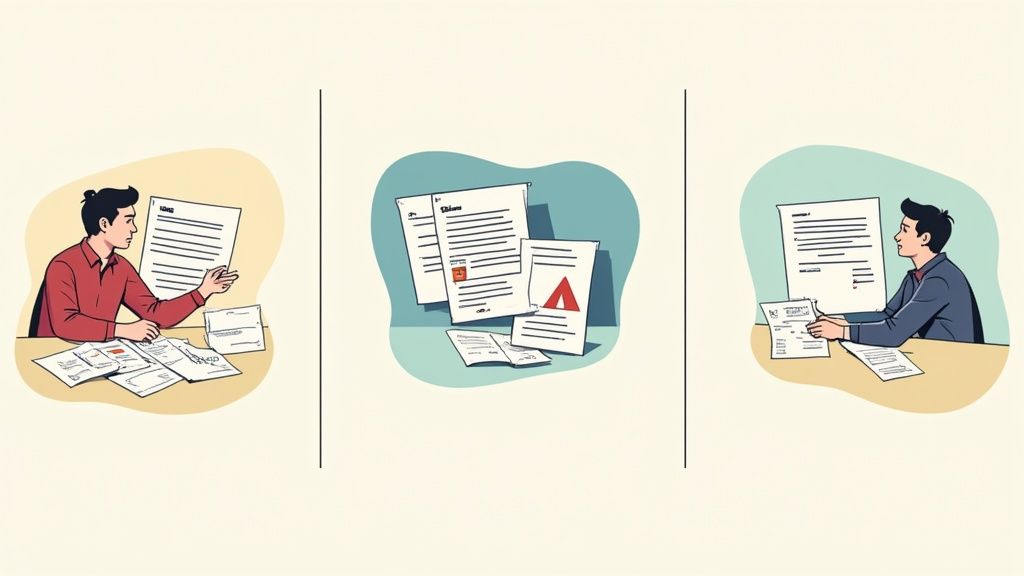
The technology isn’t just a novelty; it’s a practical solution for anyone drowning in documents, whether you're a student buried in research or an executive prepping for a board meeting.
For Students and Academics
Let's be honest, the academic grind means facing a mountain of information. A single literature review can involve sifting through dozens of dense research papers, a process that can take days or even weeks.
Imagine you're tackling a thesis on the impact of climate change on agriculture and have 20 different studies staring you down. Instead of manually reading each one, you can upload the whole batch and get straight to the point. The AI can pull out the core arguments, methodologies, and conclusions, letting you zero in on the papers that actually matter. We dive deeper into this exact use case in our guide to finding the best research paper summarizer.
Sample Prompt: "Act as a research assistant. From this collection of papers, create a bulleted list of each study's primary conclusion regarding soil degradation. Include the author and year for each point."
This approach doesn’t just speed things up; it helps you connect the dots between different studies far more effectively.
For Business Professionals
In the business world, you're always short on time. Picture this: you've got a huge client meeting in ten minutes, and a 50-page market analysis report just landed in your inbox. No one can read that fast. But an AI summary can give you the key data points and strategic takeaways you need to walk in and command the room.
It’s also a game-changer for keeping an eye on the competition. Feed the AI a competitor's annual report or a new whitepaper, and you can quickly find their strategic weaknesses, product plans, or financial weak spots. This kind of accessibility is why the global AI market, valued at USD 638.23 billion in 2024, is projected to hit USD 3,680.47 billion by 2034, according to a recent artificial intelligence market report.
Sample Prompt: "Summarize this competitor's annual report into five key takeaways for our sales team. Focus on their stated business challenges and new market expansion plans."
For Legal and Compliance Teams
Legal documents are dense by design, and every word matters. AI summarization gives legal pros a powerful first-pass tool for reviewing contracts or discovery documents.
It can scan a hundred-page agreement in seconds to flag key obligations, deadlines, liabilities, and termination clauses. This doesn't replace a lawyer's expertise, but it pinpoints exactly where that expertise is needed most.
Sample Prompt: "Review this service agreement and extract all clauses related to data privacy, confidentiality, and liability limitations. Present them as a concise list for legal review."
This frees up legal teams from the tedious work of document discovery, letting them focus on high-level strategy and interpretation.
Common Questions About Summarizing PDFs with AI
Once you start using AI to tackle your PDF pile, you'll inevitably run into a few questions. Getting a handle on these common issues from the start will help you work smarter and trust the results you're getting. Let's walk through some of the things people ask most often.
Which AI Tool Is Actually Best for Summarizing a PDF?
The honest answer? It really depends on what you're trying to do.
If you just need a quick gist of a straightforward document for casual use, free tools like ChatPDF or Adobe's AI Assistant are fantastic. They’re easy to get started with and handle most standard tasks without a fuss.
But if you're doing serious work—like synthesizing findings from a dozen research papers or needing rock-solid, verifiable citations for a legal brief—you’ll quickly outgrow the basic options. This is where more powerful platforms built on advanced models like Claude 3 or GPT-4 really shine, delivering much higher quality summaries and more sophisticated features.
My advice is always to try before you buy. Most services have a free tier, so you can take them for a test drive. As you compare them, keep these points in mind:
- Quality of the Summary: Does it actually understand the nuance, or just spit back keywords?
- Ease of Use: How intuitive is the interface? You want a tool that saves you time, not one that adds another layer of complexity.
- The Fine Print: What are the limits on file size or daily uploads? More importantly, what's their privacy policy? Don't skip this, especially if you're handling sensitive material.
Can AI Really Handle Technical or Legal Documents?
Yes, it can—but you have to approach it with the right mindset. Modern AI is surprisingly adept at pulling methodologies from dense scientific papers, identifying key clauses in contracts, and flagging critical data points in technical reports. It’s a massive time-saver for that initial pass.
Think of the AI summary as an expert-level first draft, not the final word. It gives you an incredible head start, but a human expert always needs to verify the output before any critical decisions are made.
A great way to test the AI's comprehension is to treat it like an assistant. After it generates a summary, start asking it specific questions. Challenge it on niche jargon or complex points to see if it truly grasped the context.
Is It Safe to Upload My Confidential Documents?
This is a big one, and the answer varies wildly from one service to another. Any reputable platform will use encryption to protect your files, but the real devil is in the data usage policy. Some free tools are free for a reason: they might use your documents to train their models.
For anything remotely sensitive—be it business, legal, or personal information—you absolutely must read the privacy policy and terms of service.
- Look for business or enterprise plans that explicitly state your data is private and won't be used for training.
- Check for industry-specific compliance, like HIPAA for healthcare information.
- If security is paramount, some companies even offer on-premise solutions that run on your own private servers, keeping everything in-house.
How Can I Be Sure the AI Summary Is Accurate?
Getting an accurate summary really comes down to a three-step process. First, as we covered earlier, you have to start with a good source file. A clean, text-selectable PDF is non-negotiable. Remember: garbage in, garbage out.
Second, don't be lazy with your prompt. A specific, detailed prompt that tells the AI the exact format, tone, and focus areas you need will produce a far better result than a generic "summarize this" command.
Finally, and this is the most important part, use a tool that provides clickable citations. This feature is a total game-changer for building trust. It links every statement in the summary directly back to the source text in the original document. This way, you can instantly verify the most critical points without having to hunt for them.
Ready to turn your dense documents into clear, actionable insights? PDF Summarizer lets you chat with any PDF, get instant answers with sources, and even synthesize information from multiple files at once. Try PDF Summarizer for free and see how much time you can save.
Relevant articles

Streamline your research and summary tasks with AI. Analyze documents, synthesize insights, and craft sharper reports, faster and with confidence.

Discover how to read a PDF online using your browser or smart AI tools. Our guide shows you how to instantly open, chat with, and summarize any document.
Learn how to upload a PDF on any device with our practical guide. Discover pro tips for file size, naming conventions, and fixing common upload errors.
Discover how an AI PDF summarizer can transform dense documents into clear insights. Learn about key features, practical uses, and how to start today.
Discover how question answering AI transforms documents into conversations. Learn how NLP and machine learning deliver instant, sourced answers from your files.
Discover how a modern PDF summarization tool can transform your workflow. Learn how AI analyzes documents, its key features, and how to get accurate summaries.