The 12 Best PDF Article Summarizer Tools of 2026
Discover the best pdf article summarizer to boost your productivity. Our 2026 review covers top AI tools for students, researchers, and professionals.
In a world saturated with information, from dense academic papers and lengthy legal contracts to detailed business reports, the ability to quickly grasp key insights is a superpower. The manual process of reading, highlighting, and note-taking consumes valuable hours that could be spent on analysis and action. This is where a modern PDF article summarizer steps in, transforming how we interact with complex documents.
Powered by advanced AI, these tools are no longer simple text compressors; they have evolved into sophisticated research assistants. A high-quality PDF article summarizer can distill hundreds of pages into concise summaries, answer specific questions about the content with cited sources, and even compare information across multiple files. This capability is a game-changer for a wide range of users.
Whether you're a student facing a mountain of required reading, a researcher conducting a literature review, or a professional needing to make informed decisions fast, the right summarizer can revolutionize your workflow. This guide cuts through the noise to bring you a curated and in-depth list of the top 12 platforms available today, from versatile options like ChatGPT and Microsoft Copilot to specialized academic tools like Scholarcy and SciSpace.
We've done the heavy lifting to help you reclaim your time and focus on what truly matters. Each review offers a practical analysis, including:
- Core features and limitations
- Ideal use-case scenarios
- Step-by-step usage examples with screenshots
- Pricing and accessibility
Our goal is to provide a comprehensive resource that helps you choose the perfect PDF article summarizer for your specific needs. Let’s dive into the tools that can streamline your reading and boost your productivity.
1. PDF Summarizer
PDF Summarizer stands out as a powerful and exceptionally versatile pdf article summarizer for its interactive, chat-based approach to document analysis. Instead of just generating a static summary, it transforms dense PDFs into a conversational partner. Users can upload documents, images, or even audio files and then directly ask questions, request summaries, or generate study aids like flashcards and quizzes, receiving instant, AI-driven responses. This "Chat with PDF" functionality makes it an indispensable tool for students, researchers, and professionals who need to extract specific insights quickly without reading a document cover-to-cover.
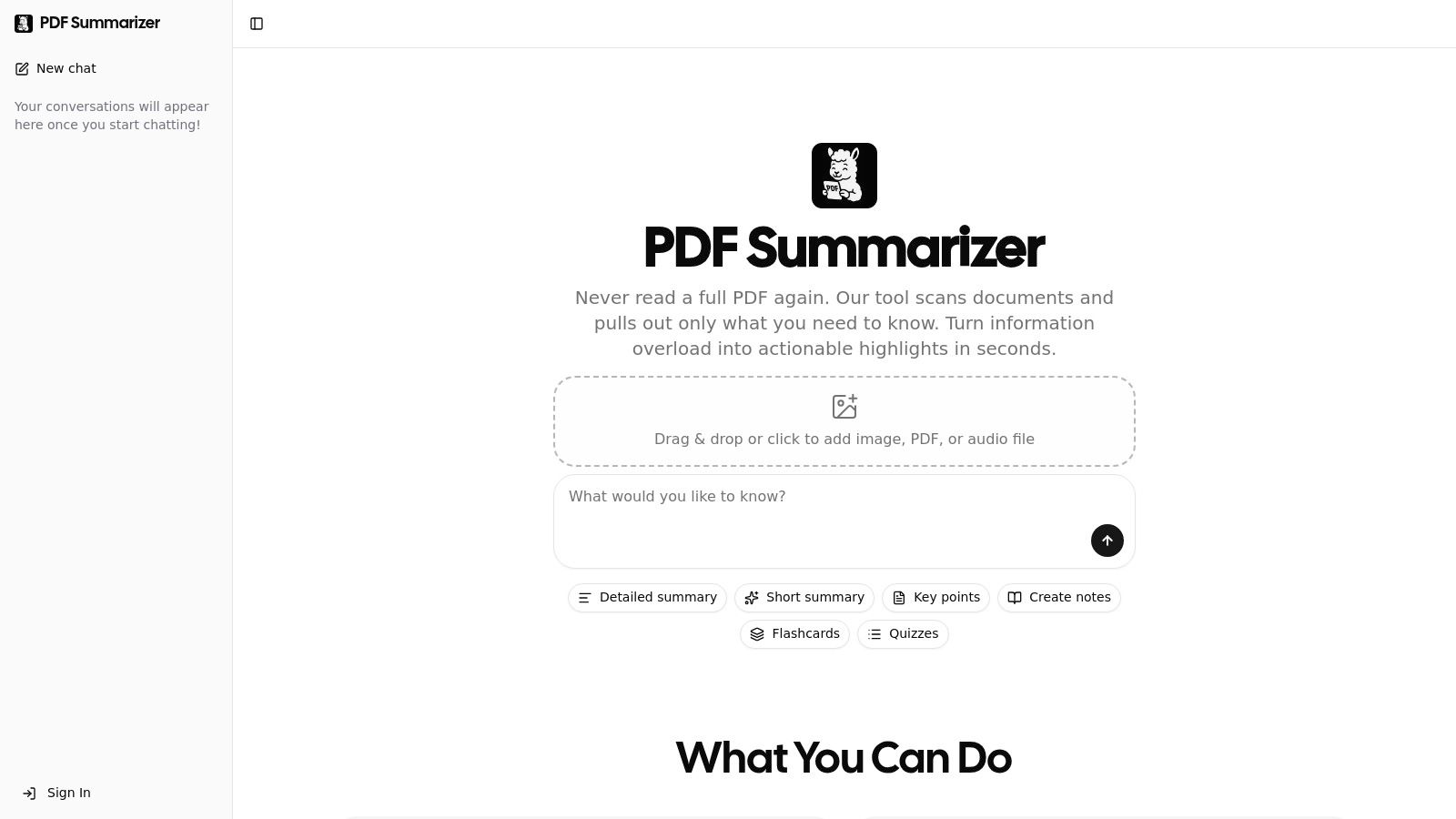
The platform’s design prioritizes both efficiency and trust. Its side-by-side view displays the AI chat alongside the original document, and every answer includes clickable citations. This feature is a game-changer for academic and legal work, as it allows users to instantly verify the source of any claim by jumping directly to the relevant passage in the PDF. This simple yet critical function builds confidence in the AI’s output and streamlines the fact-checking process. To learn more about how this technology functions, you can explore detailed guides on using a PDF summary generator.
Key Features and Use Cases
- Multi-File Chat: A standout capability is the ability to upload multiple PDFs into a single conversation. This is ideal for researchers conducting a literature review or a legal team comparing several case files, as you can ask questions that draw information from all documents simultaneously.
- Comprehensive Language Support: PDF Summarizer handles documents in any language and can translate them on the fly. This allows a user to upload a report in German, for instance, and ask questions about it in English, breaking down language barriers in global research and business.
- Security and Accessibility: With no signup required for an initial trial, users can test its capabilities immediately. All files are protected with end-to-end encryption and stored in a SOC 2 Type II certified environment, ensuring professional-grade data security.
Best For: Students, academic researchers, and legal professionals who need to synthesize information across multiple sources and verify AI-generated insights with speed and accuracy.
| Feature | Details |
|---|---|
| Input Formats | PDF, Image, Audio |
| Core Function | Interactive Chat (Q&A), Summarization, Key Takeaways, Flashcards, Quizzes |
| Unique Strength | Multi-file chat for cross-document analysis; clickable citations for instant verification |
| Pricing | Free trial (first few messages); subscription required for continued use. |
| Limitations | Files limited to 50 MB and 500 pages. The free trial is brief. |
| Access | Visit PDF Summarizer |
2. Adobe Acrobat AI Assistant
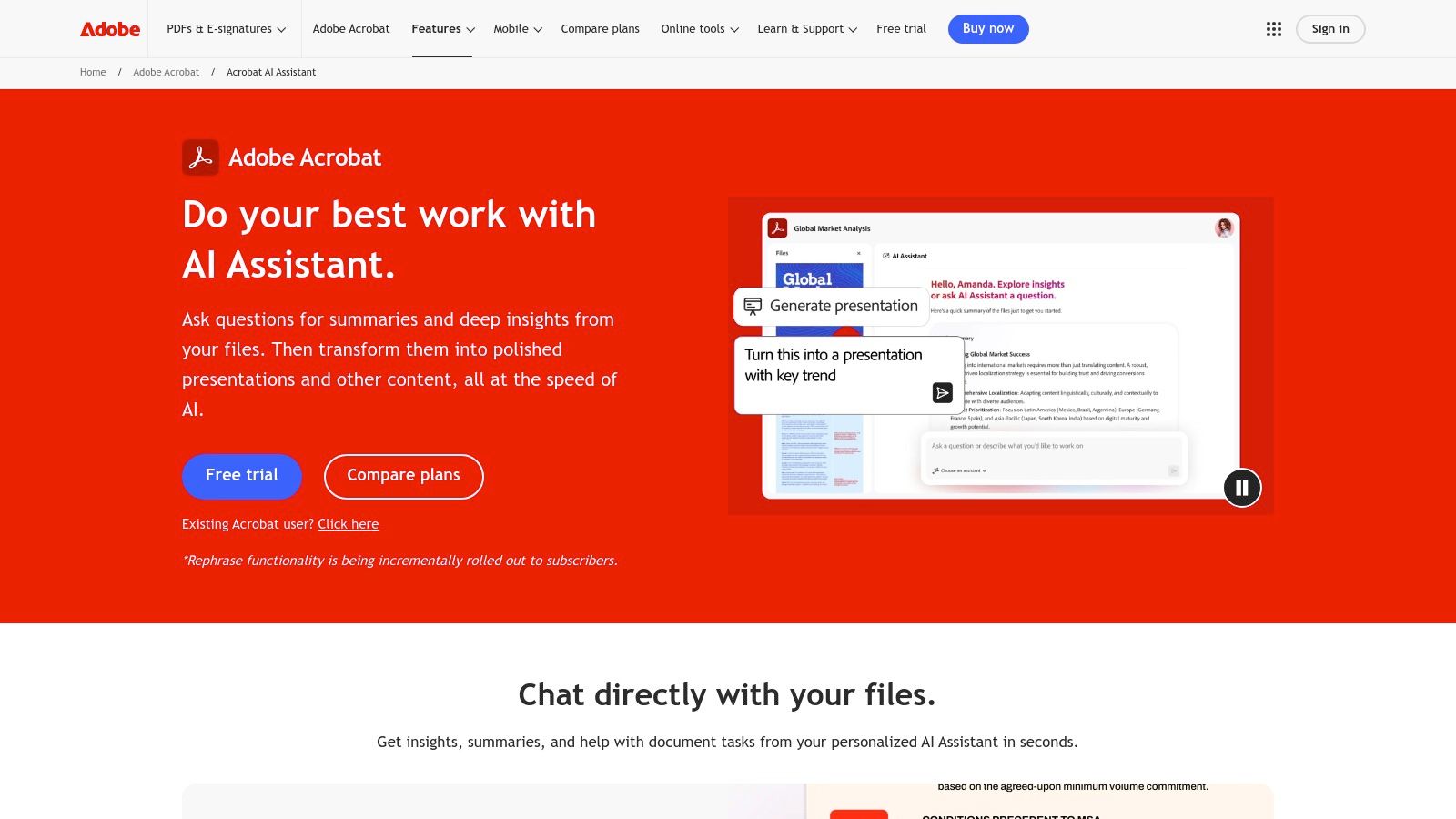
For those already living within the Adobe ecosystem, the Acrobat AI Assistant is a powerful and seamlessly integrated pdf article summarizer. Rather than being a standalone tool, it operates directly within Acrobat Reader and Pro on desktop, web, and mobile. This eliminates the need to upload sensitive documents to a third-party website, offering a more secure and streamlined workflow. Its standout feature is the ability to generate summaries and answer questions with citations linked directly to the source text in the PDF, making fact-checking and verification effortless.
The user experience is intuitive, presenting a conversational interface where you can request a summary or pose specific queries about the document. This is particularly useful for students needing to quickly grasp core concepts or legal teams trying to pinpoint key clauses. If you’re unsure what to ask, exploring a guide on the best questions to ask an AI can significantly enhance your interaction with the tool.
Key Features and Use Cases
- Best For: Professionals, researchers, and students who frequently work with PDFs in Adobe Acrobat and require verifiable, source-linked summaries.
- Standout Feature: The AI Assistant’s generative summaries include clickable citations that take you to the exact sentence in the document, a critical feature for academic and legal work.
- Pricing: A free trial is available with limited use. Full, unlimited access requires a paid AI Assistant add-on subscription, separate from the standard Acrobat plan.
- Limitation: While powerful, its full functionality is locked behind an additional paywall, and broader language support for some of its newer features is still in development.
Visit Adobe Acrobat AI Assistant
3. Foxit AI Assistant and AI PDF Summarizer
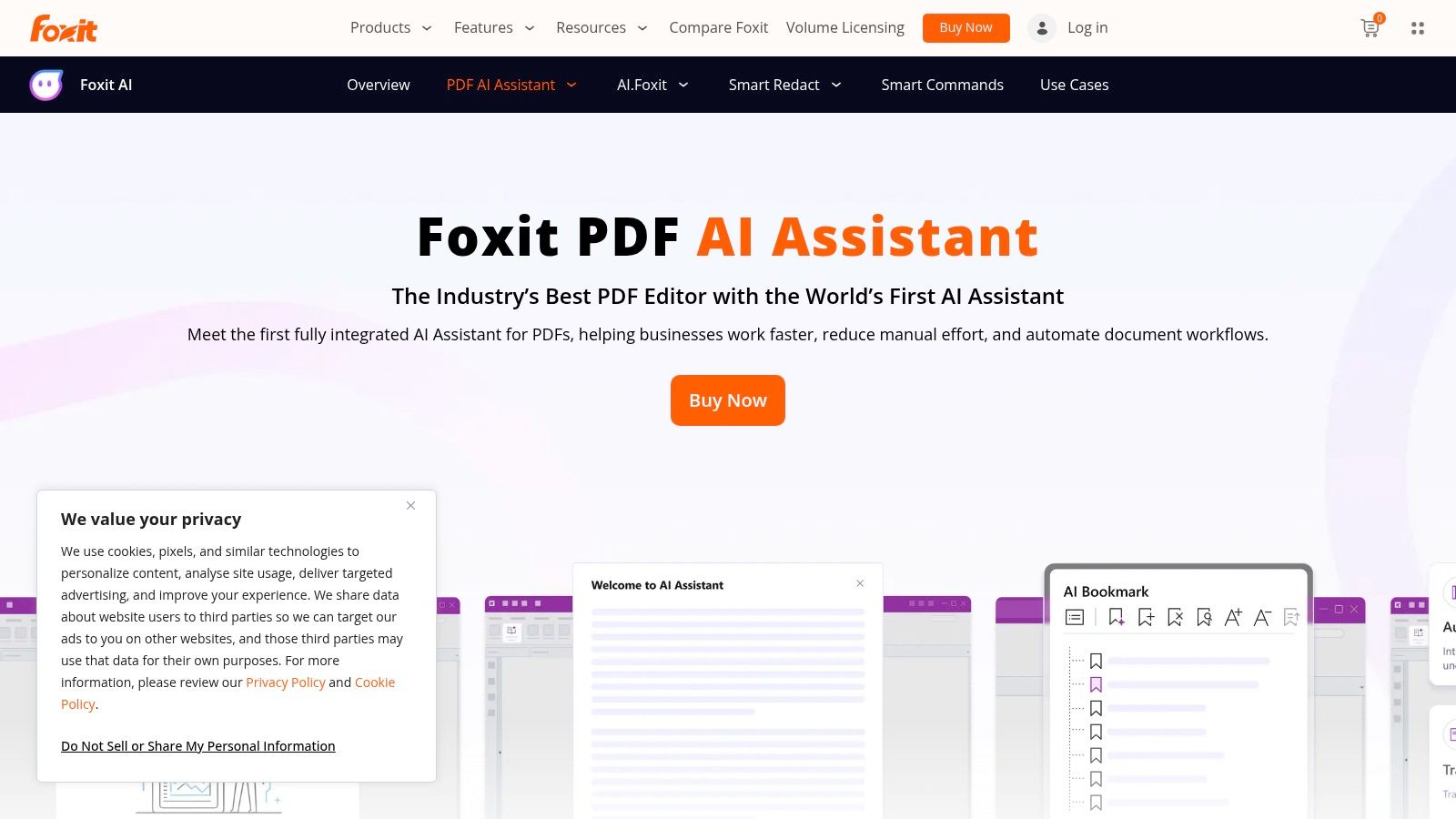
For users seeking a robust, cross-platform pdf article summarizer that integrates with an established PDF editor suite, Foxit’s AI Assistant is a formidable contender. Similar to Adobe, it embeds its AI features directly within the Foxit PDF Reader and Editor on desktop, mobile, and cloud environments. This integration provides a secure and efficient way to handle documents without relying on external websites. Foxit excels in enterprise settings, offering one-click summaries and a chat-based Q&A that provides answers with verifiable source citations.
The user interface is designed for quick interaction, allowing you to get an instant document overview or ask detailed questions about its contents. This is particularly valuable for professionals who need to analyze multiple reports or researchers comparing findings across several papers. The platform’s ability to work across Windows, Mac, iOS, and Android ensures a consistent experience, whether you're at your desk or on the go.
Key Features and Use Cases
- Best For: Enterprise users, professionals, and individuals who use the Foxit ecosystem across multiple devices and need a secure, integrated summarizer.
- Standout Feature: Its broad platform compatibility and a credit-based system that includes a generous free monthly allowance, making it accessible for light or trial usage.
- Pricing: Foxit provides 20 free AI credits per user each month. For more intensive use, additional credits or an enterprise plan are required, which are tied to Foxit product subscriptions.
- Limitation: The credit system, while flexible, can be a hurdle for users with heavy, unpredictable workloads. Full access to advanced AI features is often linked to specific paid Foxit software tiers.
Visit Foxit AI Assistant and AI PDF Summarizer
4. Microsoft Copilot (web/Edge/OneDrive)
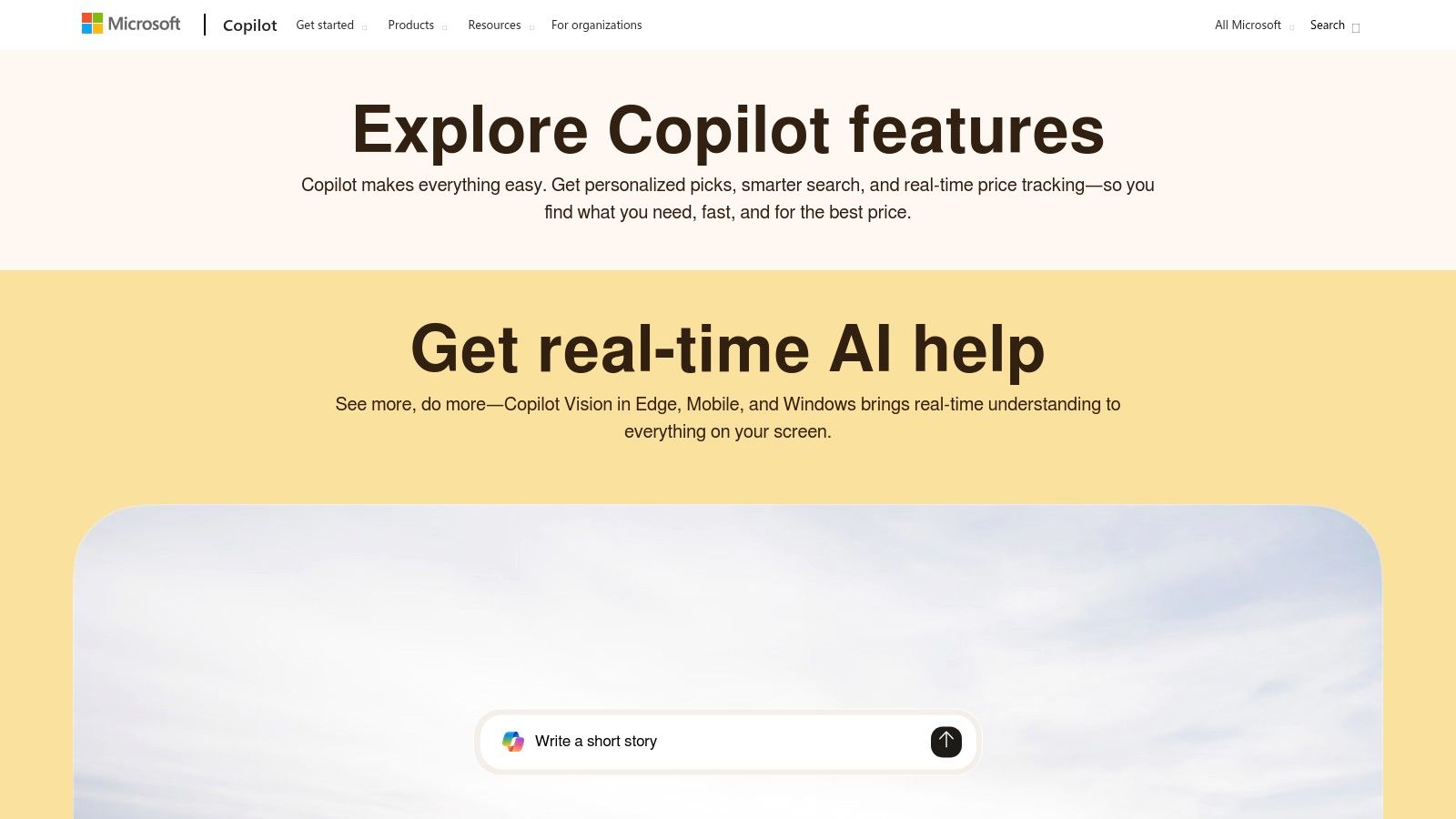
For users deeply integrated into the Microsoft 365 ecosystem, Microsoft Copilot offers a native and powerful pdf article summarizer experience. Instead of requiring a separate tool, it builds summarization capabilities directly into the products you already use, including OneDrive, the Edge browser, and Teams. This integration provides a secure and efficient workflow, allowing you to summarize documents stored in OneDrive without even opening them or get quick summaries of PDFs viewed in Edge.
The process is designed for productivity, allowing you to upload PDFs directly into a Copilot chat and ask for summaries or specific information. For an in-depth understanding of its features and how it functions as a productivity partner, you can refer to this comprehensive Microsoft AI Copilot guide. This makes it exceptionally useful for business professionals needing to quickly digest reports before a meeting or for students managing research papers within their university's Microsoft environment.
Key Features and Use Cases
- Best For: Professionals, students, and teams who use Microsoft 365, OneDrive, and Teams for their daily workflows and need a built-in summarization tool.
- Standout Feature: The seamless OneDrive integration, which allows you to summarize single or multiple files directly from your file list, streamlining document analysis and review.
- Pricing: The consumer version of Copilot offers file upload and summarization features for free. Advanced capabilities and enterprise-grade security are available through Copilot for Microsoft 365 subscriptions.
- Limitation: Feature availability and file limits can vary significantly between consumer and enterprise versions (SKUs). Some advanced summarization features in Teams are also restricted to specific file types beyond PDFs.
5. ChatGPT (OpenAI)
While widely known as a conversational AI, ChatGPT has evolved into a powerful and versatile pdf article summarizer for users who need flexibility. By simply uploading a document directly into the chat interface, you can request summaries, ask complex questions, and extract specific data points. This direct interaction makes it an excellent tool for students dissecting research papers or professionals trying to quickly understand the gist of a business report without leaving their existing workflow. The model’s broad knowledge base allows it to contextualize information effectively.
Unlike specialized tools, ChatGPT's strength lies in its conversational nature, allowing for iterative refinement of summaries and follow-up questions. You can start with a broad overview and then drill down into specific sections, asking it to create outlines, identify key arguments, or explain complex charts and figures, a feature available on its Enterprise plan. This adaptability makes it suitable for a wide range of summarization tasks beyond simple text condensation.
Key Features and Use Cases
- Best For: General users, students, and professionals looking for a multi-purpose AI that can handle PDF summarization alongside other research and writing tasks.
- Standout Feature: The ability to engage in a dynamic, conversational Q&A about the document’s content, allowing for deeper, more targeted analysis than a static summary provides.
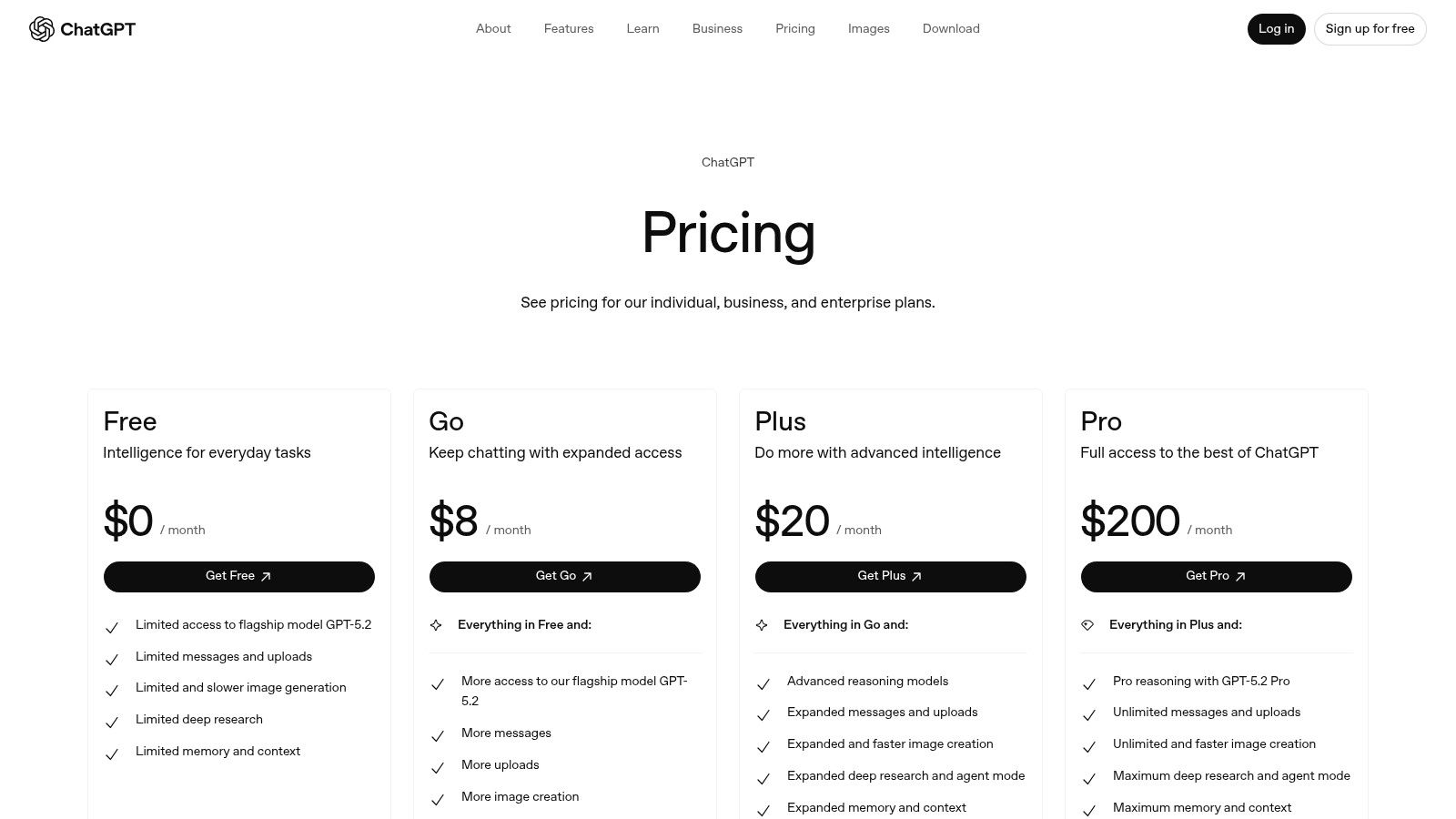
- Pricing: A free version with usage caps is available. Paid plans (Plus, Business, Enterprise) offer access to more advanced models, higher usage limits, and enhanced data privacy controls.
- Limitation: The free and Plus tiers have message and file size limits that can be restrictive for very long or numerous documents. Analysis of embedded visuals like charts is exclusive to the top-tier Enterprise plan.
6. Claude (Anthropic)
Renowned for its powerful reasoning and ability to handle exceptionally long documents, Claude has emerged as a top-tier pdf article summarizer for complex tasks. Users can upload one or multiple PDFs directly into its web, desktop, or mobile app to initiate a conversational analysis. This makes it ideal for synthesizing information across various sources, such as comparing multiple academic papers or cross-referencing legal documents within a single chat-based project. Its strength lies not just in summarization but in nuanced interpretation and contextual understanding.
Claude’s interface is clean and chat-focused, allowing users to ask for summaries, request explanations of dense paragraphs, or pose complex questions about the uploaded content. The platform also offers "Projects" to organize documents and conversations, creating persistent knowledge bases for ongoing research. This organizational feature transforms it from a simple summarizer into a comprehensive research assistant, especially for users juggling multiple topics or extensive literature reviews.
Key Features and Use Cases
- Best For: Researchers, data analysts, and professionals who need to synthesize information from multiple long-form documents and require advanced reasoning capabilities.
- Standout Feature: The ability to upload and analyze multiple documents simultaneously within a single conversation, facilitating comparative analysis and cross-document synthesis.
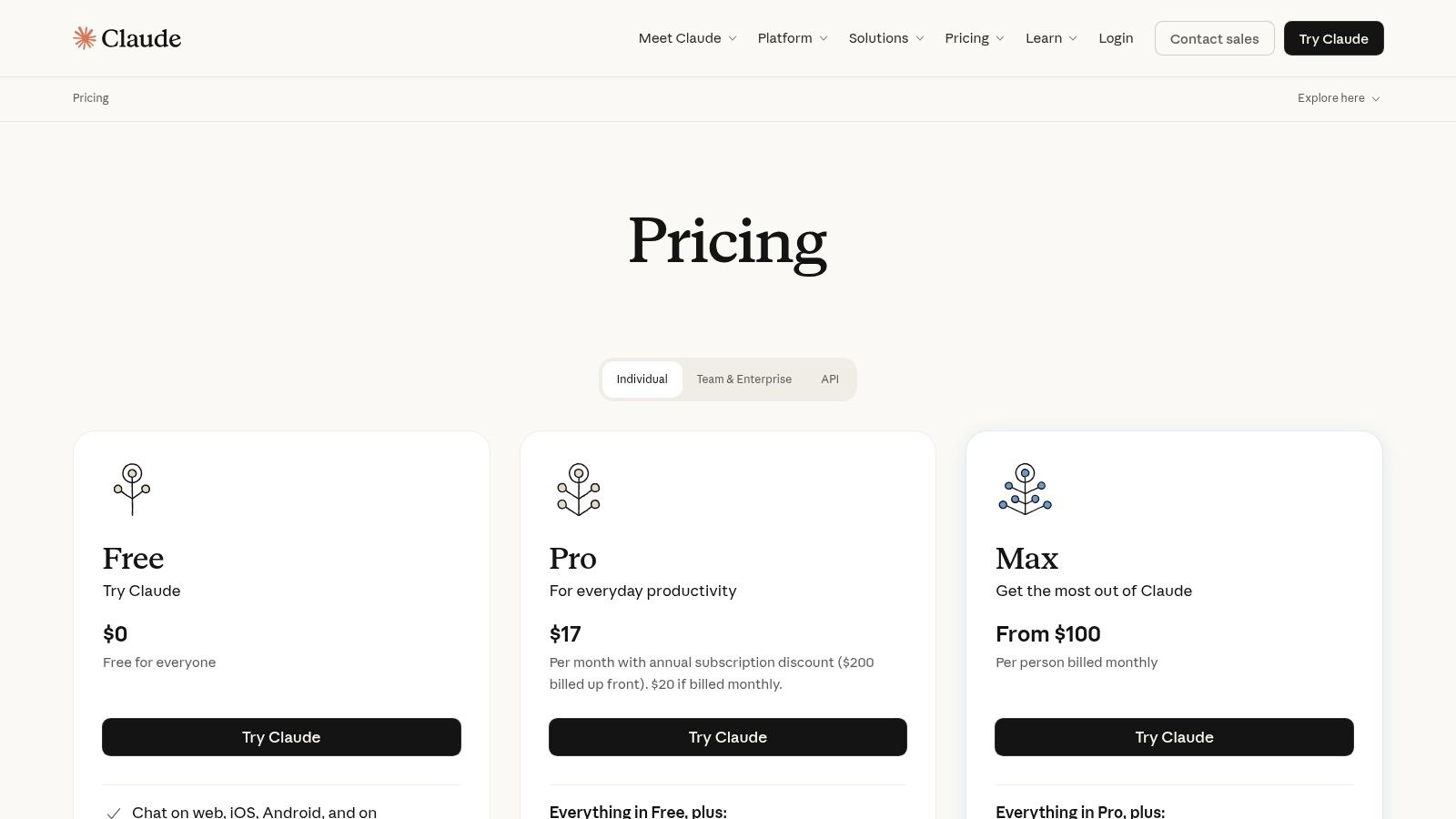
- Pricing: A free tier is available with usage limits. Paid plans (Pro, Team) offer significantly higher usage caps, priority access, and organizational features like Projects.
- Limitation: The most powerful features for collaboration and knowledge base organization are reserved for the higher-tier Team plan, and regional availability for paid tiers can vary.
7. Smallpdf – AI PDF Summarizer
For users seeking an all-in-one PDF solution, Smallpdf integrates its new pdf article summarizer directly into its widely-used suite of over 30 PDF utilities. Instead of being just a summarizer, it’s a comprehensive toolkit that now includes AI features like summarizing, chatting with documents, and translating. This makes it an excellent choice for individuals and teams who need to convert, edit, and sign documents in addition to leveraging AI for content analysis, all within a single, familiar interface.
The platform is designed for efficiency, allowing you to seamlessly transition from summarizing a dense report to converting it into an editable Word file. This integrated workflow is particularly valuable for professionals and students who handle various document management tasks daily. For those looking to streamline their study habits, exploring strategies for turning a PDF into organized notes can maximize the benefits of an all-in-one tool like Smallpdf.
Key Features and Use Cases
- Best For: Individuals and business teams who already use or need a complete PDF toolkit and want the added convenience of integrated AI summary and chat features.
- Standout Feature: The combination of a powerful AI summarizer with a robust set of over 30 other PDF tools (OCR, editor, converter, e-signature) in one platform.
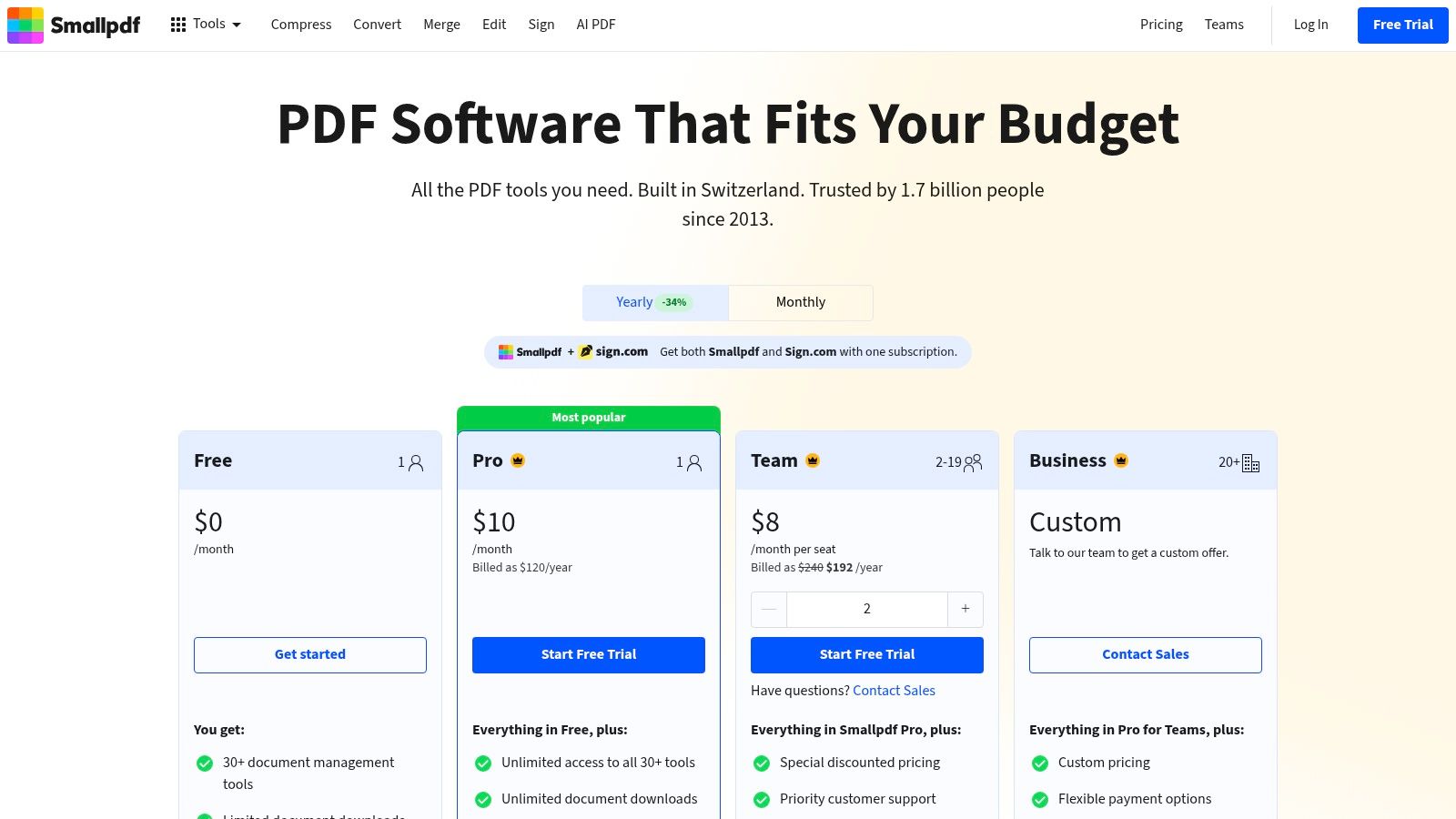
- Pricing: A free plan exists with strict limitations on file size and daily tasks. Pro and Team plans unlock unlimited AI summarizer access, higher document limits, and full toolkit functionality.
- Limitation: The free tier’s access to AI tools is very limited, and heavy usage of any feature necessitates a paid subscription, making it less ideal for occasional users.
Visit Smallpdf – AI PDF Summarizer
8. Scholarcy
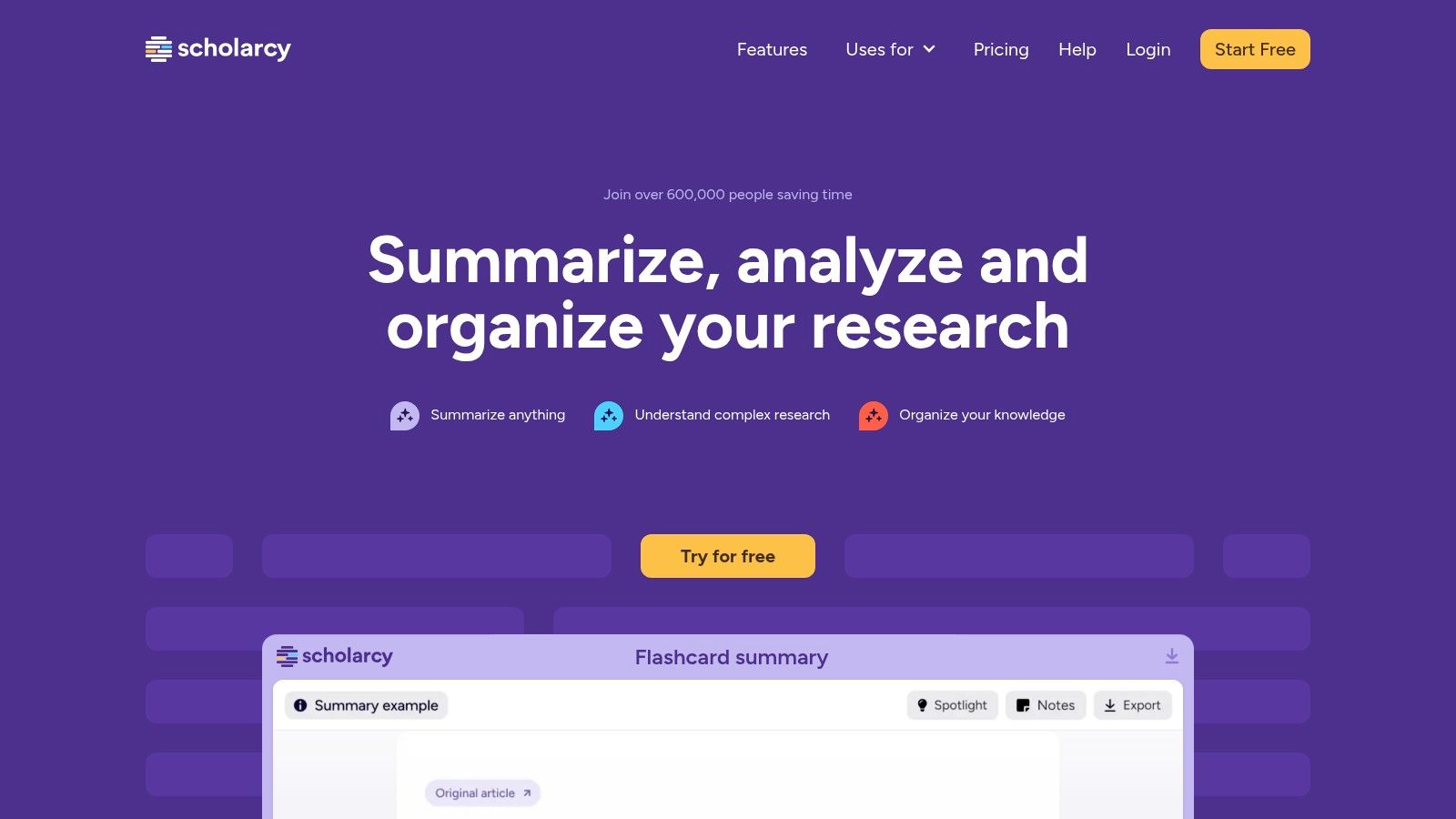
For researchers and students drowning in a sea of academic literature, Scholarcy is a highly specialized pdf article summarizer designed to streamline literature reviews. It goes beyond simple text summaries by breaking down research papers into structured, digestible "flashcards." This format highlights key information like the study’s hypothesis, methods, and findings, and automatically extracts figures, tables, and references into a navigable format. It essentially deconstructs dense academic articles, making them far easier to process and analyze at scale.
The platform is built for serious academic workflows. Its browser extensions for Chrome, Edge, and Firefox allow users to generate summaries on the fly without leaving the source page. For those managing extensive literature collections, Scholarcy can import articles directly from Zotero or cloud storage, process them in bulk, and export the structured data to Excel, Markdown, or various reference management formats. This makes it an indispensable tool for PhD students, academics, and R&D professionals.
Key Features and Use Cases
- Best For: Academic researchers, postgraduate students, and anyone conducting in-depth literature reviews who needs to quickly extract and organize key data from scholarly papers.
- Standout Feature: The "flashcard" summary format, which structures output into distinct sections like Abstract, Highlights, and Synopsis, and extracts all references and linked citations.
- Pricing: A limited free version is available for browser extensions and individual articles. Full access to the personal library, bulk processing, and advanced export features requires a monthly or annual subscription.
- Limitation: Its primary strength is also its main constraint; the tool is highly optimized for academic papers and may not perform as effectively on general-purpose PDFs like business reports or legal documents.
9. SciSpace Copilot
For academics, scientists, and researchers, SciSpace Copilot is an advanced pdf article summarizer designed specifically for navigating dense scientific literature. More than just a summarization tool, it acts as a comprehensive research assistant. Users can upload a PDF and not only get a summary but also ask complex questions, have technical terms explained, and even analyze tables and figures within the document. Its core strength lies in its specialization for academic and scientific papers.
The platform provides a suite of research-centric tools that go beyond simple summarization, including a paraphraser, a citation generator, and automated literature review workflows. This makes it an invaluable asset for anyone conducting systematic reviews or evidence synthesis, as it helps streamline the process of finding, analyzing, and citing relevant information. The interface is clean and built around the research process, helping users stay organized and focused on their work.
Key Features and Use Cases
- Best For: Academic researchers, graduate students, and scientists who need to analyze and synthesize information from multiple scientific papers.
- Standout Feature: The "Copilot" feature offers guided, agent-like workflows that can automate steps of a literature review, such as finding related papers or extracting specific data points.
- Pricing: A free plan is available with limited credits. Paid plans (Premium and Teams) offer more credits, unlimited AI features, and advanced capabilities.
- Limitation: The credit-based system can be confusing to manage, and the tool's performance is highly dependent on the quality and formatting of the source PDF.
10. Humata.ai
Humata.ai positions itself as a robust, file-centric AI assistant, designed for deep interaction with documents. As a pdf article summarizer, it allows users to upload single or multiple files into a project and then engage in a Q&A session to extract insights, generate summaries, and compare information across sources. This multi-file capability is a significant advantage for researchers conducting literature reviews or teams analyzing a collection of reports, as the AI can synthesize answers from the entire document set.
The platform's user experience is clean and focused on the chat interface, where you can ask complex questions and receive cited answers. For teams, Humata.ai offers collaboration features like shared workspaces and permissions, making it a viable solution for academic groups or business departments needing a centralized knowledge base for their documents. Its approach to metering usage by pages offers a predictable way to manage costs.
Key Features and Use Cases
- Best For: Academic researchers, students, and professional teams who need to analyze and synthesize information from multiple documents simultaneously.
- Standout Feature: The ability to chat with and summarize multiple files at once, with answers that cite sources from across the entire document collection.
- Pricing: A free plan is available with a 60-page limit to test the core features. Paid plans are based on page allowances per month, starting from $1.99/month for students up to enterprise-level tiers.
- Limitation: The page-based metering system, while predictable, can become costly for users with very heavy research workflows, and higher-tier plans may be expensive for individual users.
11. AskYourPDF
AskYourPDF positions itself as a versatile and powerful pdf article summarizer, focusing on a chat-based interaction model that feels both modern and efficient. It allows users to upload single or multiple documents to create a knowledge base, which can then be queried for summaries, specific answers, or data extraction. Its support for various large language models (like those from OpenAI, Anthropic, and Gemini) and an integrated OCR for scanned documents makes it a flexible solution for handling diverse document types, from crisp academic papers to older, image-based files.
The platform is particularly well-suited for users who need quick insights without a steep learning curve. Its browser extension streamlines the process of summarizing web-based PDFs, while its API access opens the door for developers to integrate summarization capabilities into their own applications. This blend of user-friendly tools and developer-focused features gives it a broad appeal.
Key Features and Use Cases
- Best For: Users needing a fast, chat-based summarizer with multi-document support and developers looking for an API to build custom solutions.
- Standout Feature: The ability to chat with multiple documents simultaneously, allowing for cross-referencing and synthesizing information from various sources in one conversation.
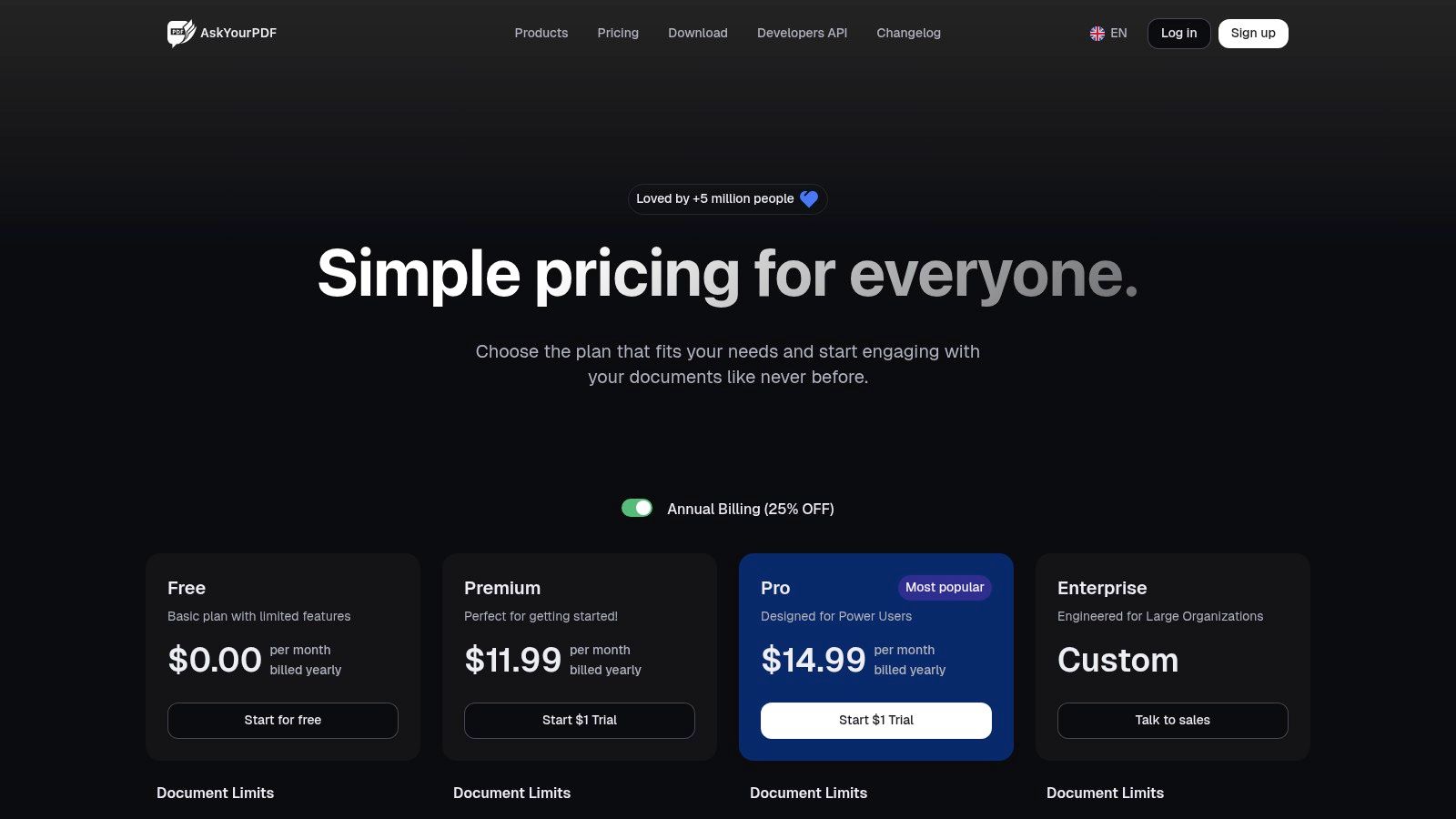
- Pricing: A free plan is available with daily limits. Paid tiers (Pro, Premium) increase document, page, and size limits significantly, offering more advanced features and higher usage quotas.
- Limitation: Some user feedback points to a need for greater clarity in billing and plan details. It's recommended to carefully review the terms before subscribing to a paid plan.
12. UPDF AI (UPDF and UPDF AI Online)
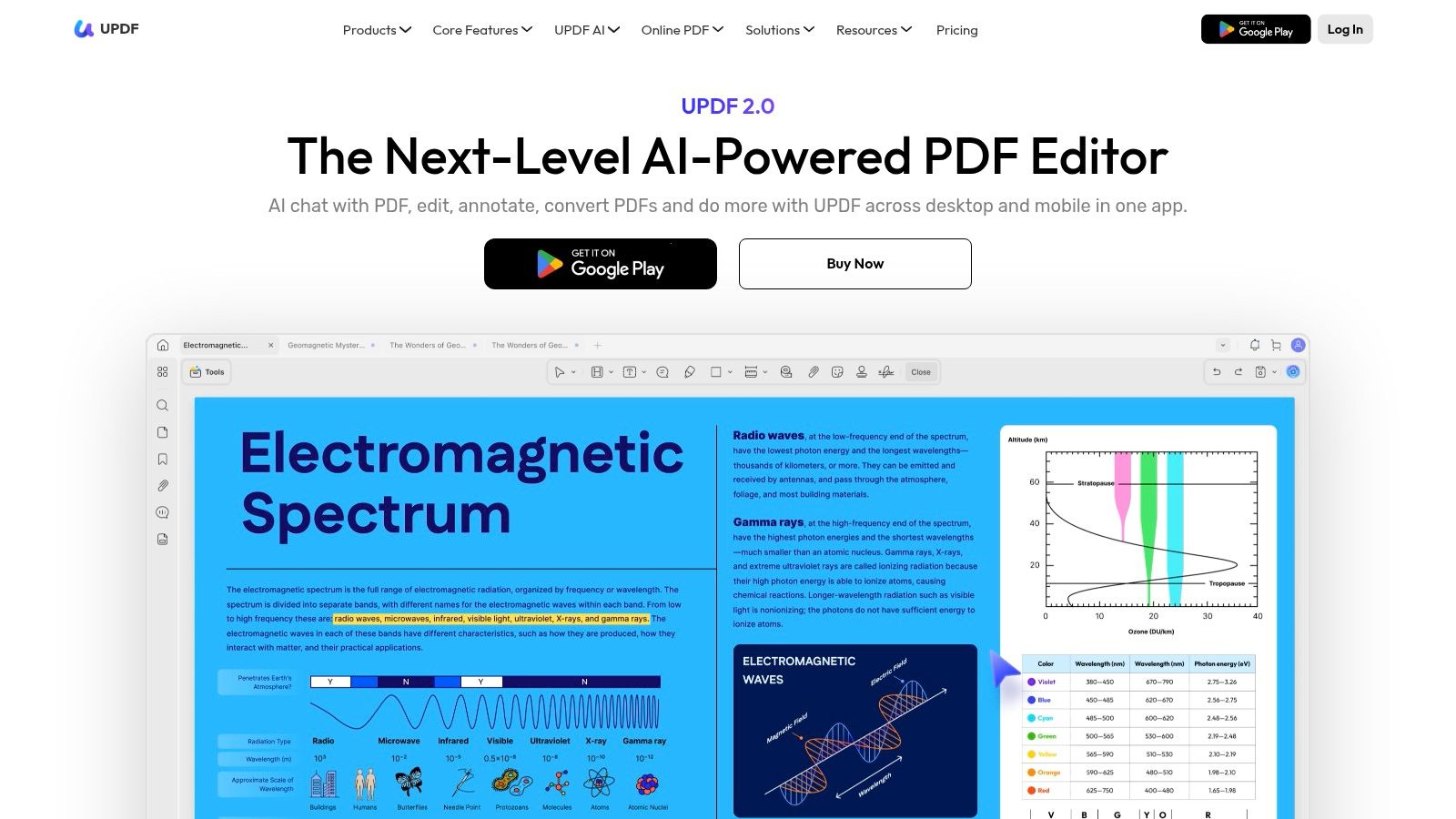
UPDF AI distinguishes itself by integrating a capable pdf article summarizer directly into a comprehensive, multi-platform PDF editor. Available both as a feature within the UPDF application and as a standalone web tool, it offers flexibility for users who need more than just summarization. This ecosystem approach is ideal for those who want to summarize, edit, annotate, and organize documents within a single, unified interface, eliminating the need to switch between different programs. Its ability to process multiple documents at once is a significant advantage for researchers conducting literature reviews or teams analyzing several reports simultaneously.
A particularly innovative feature is its capacity to generate mind maps from PDF content, providing a visual way to understand complex information and relationships within a text. The tool also includes robust OCR technology, allowing it to summarize scanned documents and images, a function often missing in simpler summarizers. This makes it a powerful asset for digitizing and comprehending physical archives or image-based reports.
Key Features and Use Cases
- Best For: Users seeking an all-in-one PDF editor and AI assistant that works across desktop (Windows, macOS) and mobile (iOS, Android) platforms.
- Standout Feature: The mind-map generation tool offers a unique, visual method for summarizing and connecting key concepts from dense documents. Multi-document chat and summarization streamline comparative analysis.
- Pricing: The core UPDF Pro editor is a one-time purchase or subscription, but the UPDF AI features require a separate add-on subscription. Various bundles and plans are available.
- Limitation: The pricing structure can be confusing, as the AI assistant is an add-on to the main PDF editor. Users should verify the specifics of their plan at checkout to ensure they have the features they need.
PDF Article Summarizers — 12-Tool Comparison
| Product | Core features | Target audience | Unique selling points | Pricing model |
|---|---|---|---|---|
| PDF Summarizer (Recommended) | Upload PDFs/images/audio, chat with doc, multi-file chats, side-by-side view, clickable citations, on‑the‑fly translation | Students, researchers, professionals, legal teams | Multi-file cross‑document chat, verifiable citations, multilingual support, try without signup, SOC2 security | Free trial (first messages) then subscription; file limits 50 MB / 500 pages |
| Adobe Acrobat AI Assistant | One‑click generative summaries, chat with docs, contract intelligence, linked citations | Acrobat/Reader users, legal & professional teams | Deep Acrobat ecosystem integration; contract‑focused features | Paid add‑on to Acrobat / Acrobat subscription |
| Foxit AI Assistant | Chat with PDFs, one‑click summaries, multi‑file support, cross‑platform | Enterprises, professionals, cross‑platform users | Enterprise PDF suite integration; 20 free AI credits/month | Credit‑based usage model; paid plans for heavy use |
| Microsoft Copilot (web/Edge/OneDrive) | Upload PDFs to Copilot chats, summarize from OneDrive, Teams/Edge integration | Microsoft 365 users, enterprises | Native integration with OneDrive/Teams/Edge workflows | Consumer uploads free (limits); enterprise SKUs and subscriptions vary |
| ChatGPT (OpenAI) | PDF uploads for summarization/extraction, GPT workflows, enterprise visual analysis (Enterprise) | Broad users, researchers, businesses | Versatile ecosystem, frequent updates, enterprise controls | Free/Plus/Business/Enterprise tiers; higher limits on paid plans |
| Claude (Anthropic) | Upload & chat with PDFs, projects/knowledge bases, desktop & mobile apps | Researchers, teams handling long documents | Strong long‑document reasoning; team/Max tiers for high usage | Pro/Team/Max paid tiers |
| Smallpdf – AI PDF Summarizer | AI summarizer + 30+ PDF tools (OCR, edit, convert, sign) | Users needing all‑in‑one PDF editor | Integrated PDF toolkit with AI features | AI on paid plans; free tier limited by tasks/downloads |
| Scholarcy | Structured summaries, flashcards, extract references/figures/tables, bulk import/export | Academics, literature reviewers, students | Reference‑aware outputs, export to citation tools, bulk workflows | Subscription for full features; limited free use |
| SciSpace Copilot | Chat with PDFs, topic finding, paraphrasing, citation export, agent workflows | Researchers doing literature reviews/evidence synthesis | Automations for systematic review tasks; citation exports | Credits‑based tiers with multiple plan levels |
| Humata.ai | PDF chat and summarization, OCR, page‑based allowances, team features | Students, researchers, teams needing predictable billing | Clear page‑based allowances and team permissions | Free tier + paid plans with page allowances and overage pricing |
| AskYourPDF | Summarize/query PDFs, OCR, browser extension, API, multi‑model backends | Quick upload‑and‑ask users, developers | API + multi‑model support (OpenAI/Anthropic/Gemini), high limits | Paid plans; premium model access may need extra credits |
| UPDF AI | Summarize, translate, mind‑map generation, OCR, integrated editor | Users who want PDF editor + AI features | Full PDF editor + AI assistant, mind‑map generation | UPDF Pro + AI add‑on (separate purchase); bundled pricing options |
Choosing the Right Summarizer for Your Workflow
Navigating the landscape of AI-powered document analysis tools can feel overwhelming, but as we've explored, the perfect pdf article summarizer is not about finding a single "best" tool, but the right tool for your unique workflow. The twelve solutions we've detailed, from dedicated academic engines like Scholarcy and SciSpace to integrated ecosystem players like Adobe Acrobat AI and Microsoft Copilot, each offer a distinct value proposition. The key to unlocking true productivity lies in matching a tool's core strengths to your specific daily tasks and long-term goals.
A Quick Recap: Matching Tools to Your Needs
Reflecting on our comprehensive review, several key patterns emerge. Your ideal choice hinges on a few critical questions about your primary use case:
- For the Dedicated Researcher or Student: If your work revolves around literature reviews, thesis preparation, or digesting dense academic papers, your needs are specific. Tools like Scholarcy, with its ability to extract methodologies and create annotated bibliographies, or SciSpace Copilot, with its deep integration into a vast research paper database, are purpose-built for academic rigor. PDF Summarizer also stands out here, especially with its multi-file chat feature, which is invaluable for synthesizing information across multiple sources for a literature review.
- For the Corporate Professional: Professionals operating within established software ecosystems will find the most seamless experience with integrated tools. If your team lives in Adobe Creative Cloud, the Adobe Acrobat AI Assistant is a natural fit, keeping all your analysis within a familiar environment. Similarly, for organizations standardized on Microsoft 365, Microsoft Copilot provides unparalleled integration with Word, Teams, and OneDrive, turning document summaries into actionable meeting notes or presentation drafts with ease.
- For the All-in-One Power User: Perhaps you need more than just summarization. If your workflow involves converting, editing, signing, and compressing PDFs, a comprehensive suite is your best bet. Tools like UPDF AI and Smallpdf offer robust AI summarization capabilities as part of a larger, full-featured PDF editing toolkit, providing exceptional value and reducing the need to juggle multiple subscriptions.
- For Quick, Ad-Hoc Summaries: For those who just need a fast, reliable summary without the complexity of a full software suite, focused web-based tools are ideal. Humata.ai and AskYourPDF excel at providing quick, conversational Q&A sessions with your documents, making them perfect for rapidly understanding a report or contract on the fly.
Final Considerations Before You Commit
Before making your final decision, take a moment to test your top contenders with real-world documents. A free trial is your most powerful evaluation tool. Upload a complex journal article, a lengthy legal contract, or a dense business report that you are already familiar with. Assess the output not just for accuracy but for its utility. Does it save you time? Does it highlight the insights you actually need?
Also, consider how these tools fit into your broader productivity stack. Efficiently managing documents is just one piece of the puzzle. If you're looking to optimize your entire digital workspace, from tab management to project organization, exploring the best Chrome extensions for productivity can reveal powerful new ways to streamline your daily tasks beyond just reading and research. Integrating a top-tier PDF summarizer with other efficiency-boosting browser tools can create a truly formidable workflow.
Ultimately, the goal is to transform information overload into actionable intelligence. The right AI assistant will feel less like a separate tool and more like an extension of your own analytical capabilities, freeing up your cognitive resources to focus on critical thinking, strategy, and innovation.
Ready to stop drowning in documents and start extracting key insights in seconds? Give PDF Summarizer a try. As a powerful, user-friendly pdf article summarizer, it’s designed to provide clear, concise summaries and allow you to chat with multiple documents at once, making it the perfect tool to accelerate your research and learning. Experience a smarter way to work with your files at PDF Summarizer today.
Relevant articles

Discover the best citation management software for your research. Compare Zotero, EndNote, Mendeley, and more to find the perfect tool for your workflow.
Discover how text summarization AI turns dense documents into clear, actionable insights. Our guide explains the models, methods, and real-world applications.
Discover the top 7 PDF search engine tools for academic and professional research. Find, access, and analyze documents faster with our curated 2026 roundup.
Discover how a modern PDF summarization tool can transform your workflow. Learn how AI analyzes documents, its key features, and how to get accurate summaries.
Discover the top 12 tools for any PDF summarizer AI free workflow. Get instant, accurate summaries from dense documents, reports, and research papers today.
Save hours of reading with a free PDF summarizer. Learn how these AI tools work, discover key features, and see how to integrate one into your workflow today.