The 12 Best PDF Summarizer AI Free Tools for 2025
Discover the top 12 tools for any PDF summarizer AI free workflow. Get instant, accurate summaries from dense documents, reports, and research papers today.
Whether you're a student facing a mountain of research papers, a professional deciphering a fifty-page report, or a legal expert reviewing dense contracts, the core challenge is the same: too much information and not enough time. The traditional method of manual reading and note-taking is no longer sufficient. This is where a pdf summarizer ai free tool becomes an indispensable asset, acting as your personal research assistant.
These advanced platforms do more than just shorten text. Powered by large language models and natural language processing, they digest complex documents, extract critical insights, and even allow you to ask direct questions about the content. Imagine instantly pinpointing the main arguments in a scholarly article or getting a bulleted list of key obligations from a business proposal. This guide provides a curated and detailed roundup of the best free and freemium AI PDF summarizers available today. Beyond simply summarizing documents, AI acts as a powerful ally across various fields, as explored in the list of the 12 Best AI for MUN Delegates in 2025, which highlights AI's role in critical research and strategic preparation.
We will explore each tool's unique strengths, practical limitations, and ideal use cases to help you select the perfect platform for your specific needs, from academic research to professional analysis.
1. PDF Summarizer
PDF Summarizer establishes itself as a powerful, browser-based pdf summarizer ai free tool designed for users who need fast, verifiable insights from dense documents. Its standout capability lies in its interactive, chat-based interface that works with both single and multiple PDF files simultaneously. This allows users to ask complex, cross-document questions, making it an indispensable asset for comprehensive literature reviews, comparative legal analysis, or consolidating project research from various sources.
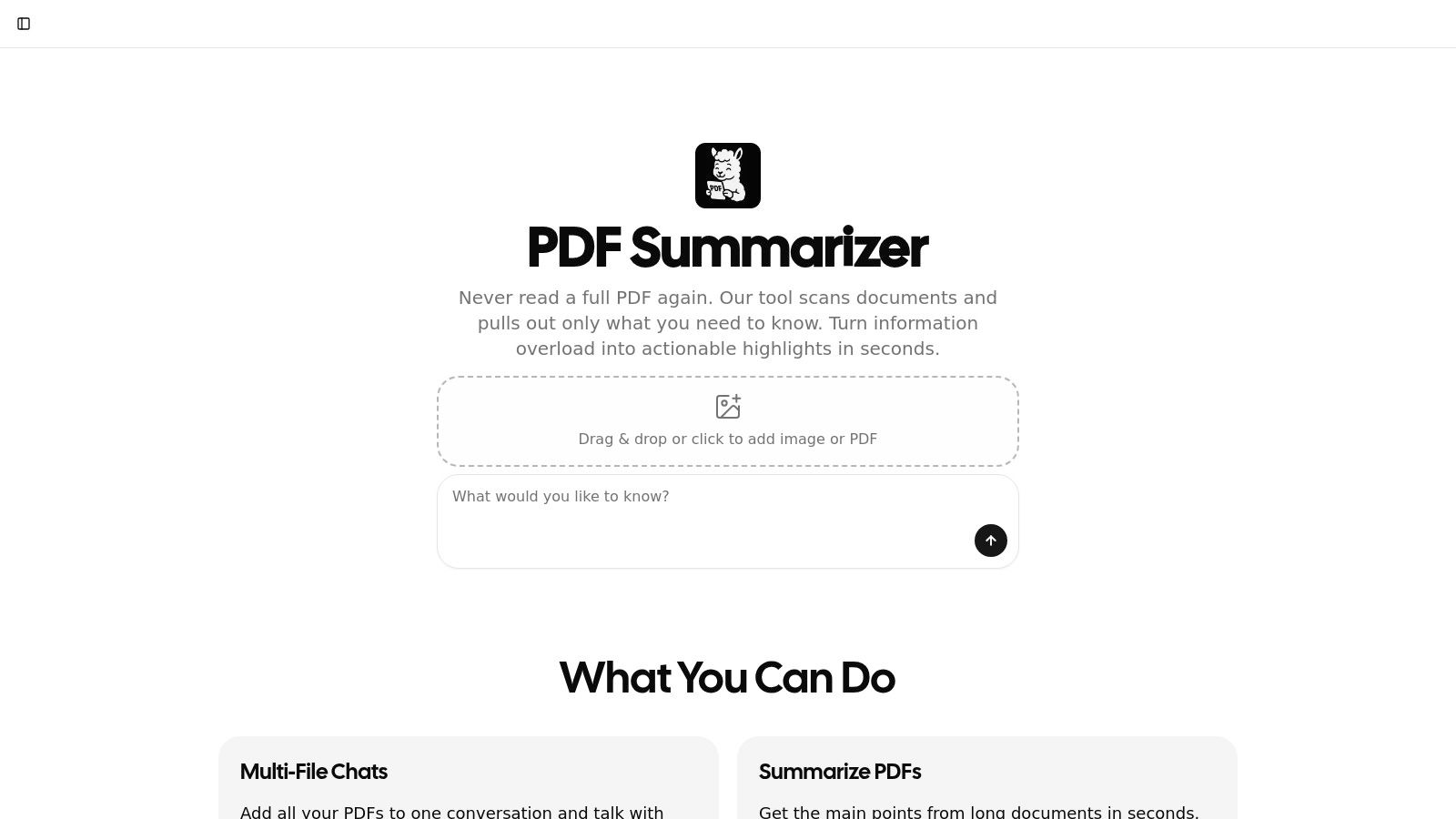
The platform’s design thoughtfully balances depth with usability. Every AI-generated answer includes clickable citations that instantly navigate you to the precise passage in the source document, a critical feature for academic and professional fact-checking. Furthermore, its built-in multilingual support with on-the-fly translation breaks down language barriers, allowing you to query foreign-language documents as if they were in your native tongue.
Key Features and User Experience
- Multi-File Chat: Combine multiple PDFs into a single conversation to synthesize information and ask questions across your entire source library.
- Clickable Citations: All summaries and answers are linked directly to the source text, providing immediate verification and context.
- Multilingual Support: Upload and interact with documents in any language, with the AI providing seamless translation and responses.
- Enterprise-Grade Security: With SOC2 Type II certification and encrypted data transfer/storage, it meets high security standards for sensitive professional use.
While the free trial is limited to a few messages, it offers immediate access without requiring a sign-up, perfect for a quick test. The primary limitations are the 50 MB / 500-page file upload cap and the need for a paid subscription for continued use. Overall, PDF Summarizer is a top-tier choice for students, researchers, and professionals who demand a secure, accurate, and efficient document analysis tool.
Website: https://pdfsummarizer.pro
2. OpenAI ChatGPT
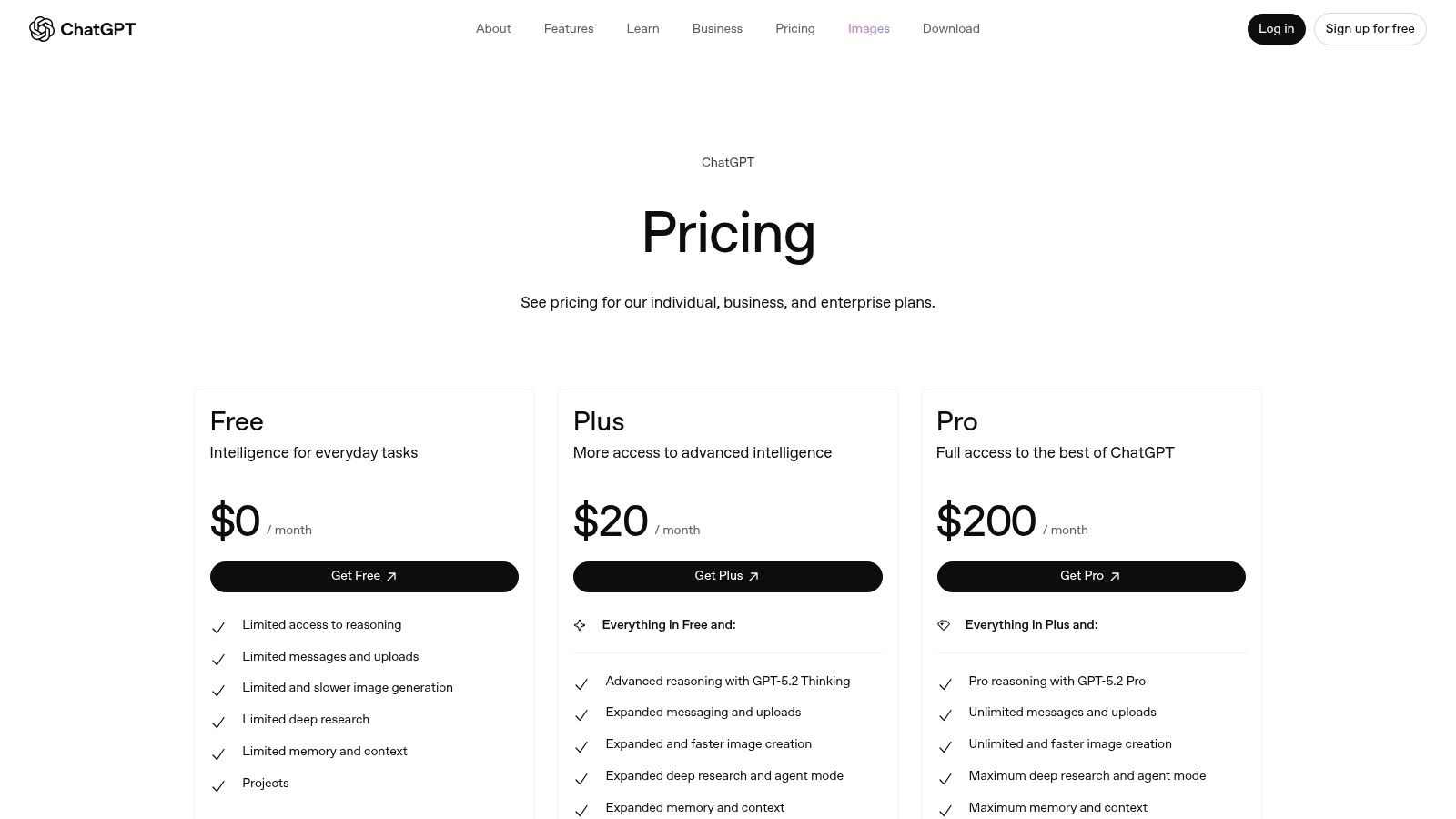
While not exclusively a PDF summarizer, OpenAI's ChatGPT has evolved into a powerful and versatile tool for document analysis, making it an essential pdf summarizer ai free option. Its primary strength lies in its conversational interface. Instead of just getting a generic summary, you can upload a PDF and have a dynamic dialogue about its contents. This allows for highly customized outputs, from bulleted key takeaways to detailed explanations of complex sections. The free plan provides access to this core functionality, albeit with certain usage and file upload limitations.
Key Features & Use Cases
What makes ChatGPT stand out is its adaptability. A student can upload a research paper and ask for a summary of the methodology, while a business professional can upload a market report and request a list of key trends. For best results, craft specific prompts to guide the AI. To master this, you can learn more about the best questions to ask an AI for document analysis.
- Pros: Highly flexible with conversational Q&A, excellent at following specific instructions for tailored summaries, and available across web, desktop, and mobile apps.
- Cons: The free version has usage caps and may struggle with very large or image-heavy PDFs. Summarization quality depends heavily on user prompts.
Website: https://openai.com/chatgpt/pricing
3. Anthropic Claude
Anthropic's Claude is a formidable contender in the AI landscape, offering robust PDF analysis capabilities that make it a top-tier pdf summarizer ai free choice. Its standout feature is its impressive long-context window, which allows it to comprehend and reason across extremely lengthy and dense documents. Users can upload a PDF and engage in a detailed conversation, asking Claude to distill complex arguments, compare different sections, or extract specific data points from extensive reports. The free tier provides generous access to this core functionality, making it ideal for deep reading tasks.
Key Features & Use Cases
Claude excels where others might struggle with document length and complexity. A legal professional could upload a 200-page contract and ask for a summary of all liability clauses, or a researcher could provide several academic papers and ask Claude to synthesize their findings. The ability to organize files into "Projects" allows for creating contained knowledge bases for ongoing analysis. This makes it more than just a summarizer; it's a powerful research assistant.
- Pros: Excellent long-context performance for dense documents, a generous free tier for trying out PDF uploads, and a clear upgrade path for heavier usage.
- Cons: The free version has usage limits that refresh every few hours, and some advanced features are reserved for paid tiers.
Website: https://claude.ai
4. Perplexity
Perplexity positions itself as a conversational answer engine, and its ability to ingest and analyze documents makes it a standout pdf summarizer ai free tool. Unlike many summarizers, its core strength is providing answers grounded in sources. When you upload a PDF, Perplexity doesn't just give you a summary; it allows you to ask questions and receive answers with inline citations pointing directly to the relevant text within your document. This is invaluable for academic or professional work where source verification is critical. The free plan offers a generous amount of this functionality.
Key Features & Use Cases
Perplexity excels in research-oriented workflows. A student can upload several research papers and ask the AI to synthesize their findings on a specific topic, with each claim linked back to its source. For a deeper dive into the distinctions between these powerful AI tools, you can explore how Perplexity compares to ChatGPT. The Comet browser extension also integrates this power directly into your web browsing for on-the-fly analysis.
- Pros: Excellent for research due to source-grounded answers with citations, the Comet browser extension provides integrated summarization, and its conversational interface is intuitive.
- Cons: Advanced features and higher usage limits are locked behind the Pro plan, and some users have reported occasional reliability issues with file uploads.
Website: https://www.perplexity.ai
5. Microsoft 365 Copilot (in Word)
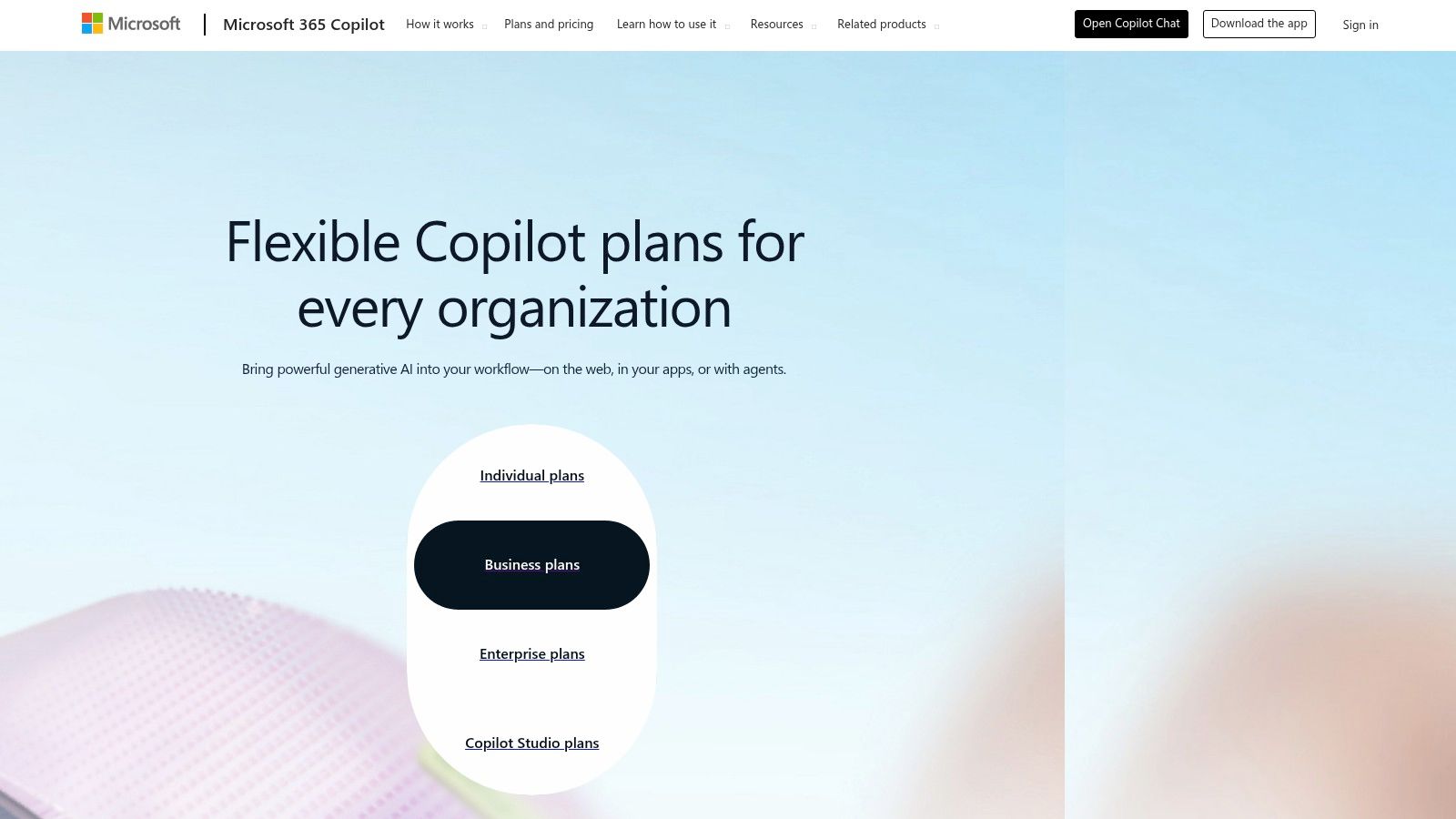
For users deeply embedded in the Microsoft ecosystem, Copilot for Microsoft 365 offers a powerful, integrated summarization tool directly within Word. While not a standalone pdf summarizer ai free tool in the traditional sense, its value is immense for organizations. It excels at creating secure, tenant-grounded summaries of documents, including PDFs and DOCX files stored in OneDrive or SharePoint. This integration provides a seamless workflow, allowing users to generate summaries and ask follow-up questions without leaving their primary word processor.
Key Features & Use Cases
Copilot's strength lies in its enterprise-grade security and context-aware capabilities. A legal team can securely summarize a confidential contract stored on SharePoint, knowing the data remains within their organization's compliance boundaries. Similarly, a project manager can quickly get the key points from a lengthy project proposal sent via Teams. The feature is primarily designed for business users who need reliable, secure summarization integrated into their daily applications, but it is not a free service. Access requires a qualifying Microsoft 365 subscription plus a paid Copilot license.
- Pros: Deep integration with Word and Microsoft cloud storage, enterprise-grade security and governance, and a familiar user interface for business users.
- Cons: Requires a qualifying Microsoft 365 subscription plus a paid Copilot license. The best experience is tied to files stored in the Microsoft cloud (OneDrive/SharePoint).
Website: https://www.microsoft.com/microsoft-365/copilot/pricing
6. Adobe Acrobat AI Assistant / Acrobat Studio
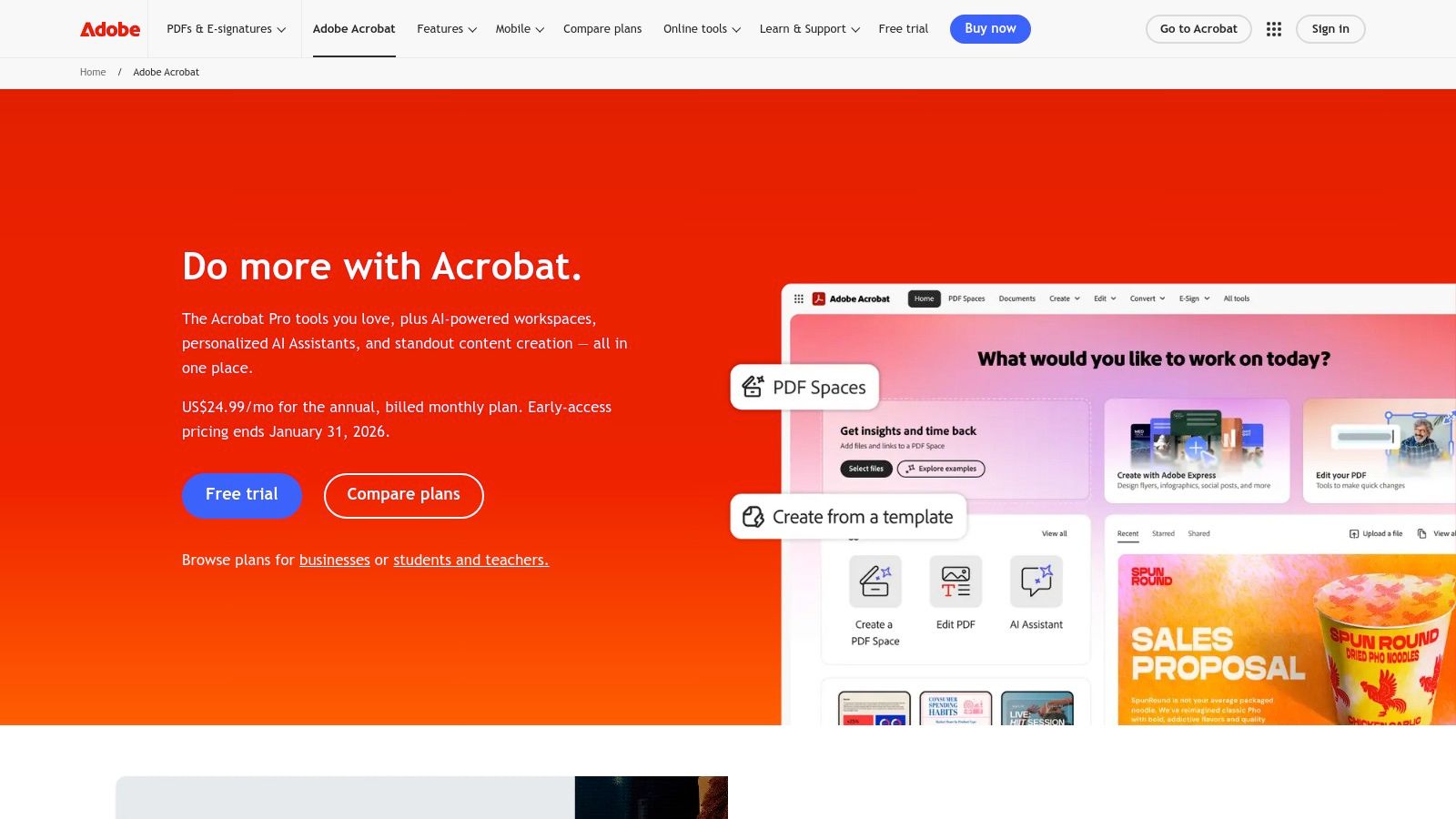
Adobe brings its powerful AI capabilities directly into the world's most ubiquitous PDF software, making it a highly integrated pdf summarizer ai free option for millions of users. The AI Assistant, available as an add-on within Acrobat Reader and Pro, allows users to chat with their documents to get summaries, answer questions, and generate citations without leaving the application. This native integration provides a seamless workflow, eliminating the need to upload sensitive documents to third-party websites. The tool is designed for deep document intelligence, especially within professional and legal contexts.
Key Features & Use Cases
What truly sets Adobe's offering apart is its ecosystem approach. A legal team can use the contract-specific insights to quickly identify key terms, while a researcher can use PDF Spaces in Acrobat Studio to consolidate dozens of papers and ask questions across the entire collection. This multi-document analysis is a game-changer for comprehensive reviews. The free version in Acrobat Reader offers a starting point, but the full power is unlocked through subscriptions.
- Pros: Deeply integrated into the native Acrobat workflow, provides clear citations for fact-checking, and offers powerful contract-focused features.
- Cons: AI Assistant is an add-on subscription, and the more advanced Acrobat Studio is a separate, paid product. Some new features may be English-only initially.
Website: https://www.adobe.com/acrobat/
7. SciSpace Copilot
SciSpace Copilot is a specialized AI research assistant designed for academic and technical documents, making it a standout pdf summarizer ai free tool for students and researchers. Its main advantage is its deep understanding of scholarly content. Instead of generic summaries, you can upload a research paper and ask Copilot to explain complex equations, tables, or specific sections, and it will provide answers with direct citations. The platform’s free plan offers a solid entry point for interacting with papers, with a Chrome extension available for on-the-go analysis.
Key Features & Use Cases
What truly sets SciSpace Copilot apart is its academic focus. A graduate student can use it to quickly grasp the methodology of a dense paper, while a researcher can leverage it to accelerate their literature review process. For those engaged in extensive academic writing, learning how to structure a literature review writer can be significantly streamlined with Copilot’s assistance. The chat-based interface allows for precise, cited answers directly from the source material.
- Pros: Excellent for academic papers with line-level citations and math support, Chrome extension enables PDF assistance on any website, and offers plans for individuals and teams.
- Cons: Advanced features like literature review exports are behind a paywall. Some users report minor workflow quirks within the library management system.
Website: https://scispace.com
8. Scholarcy
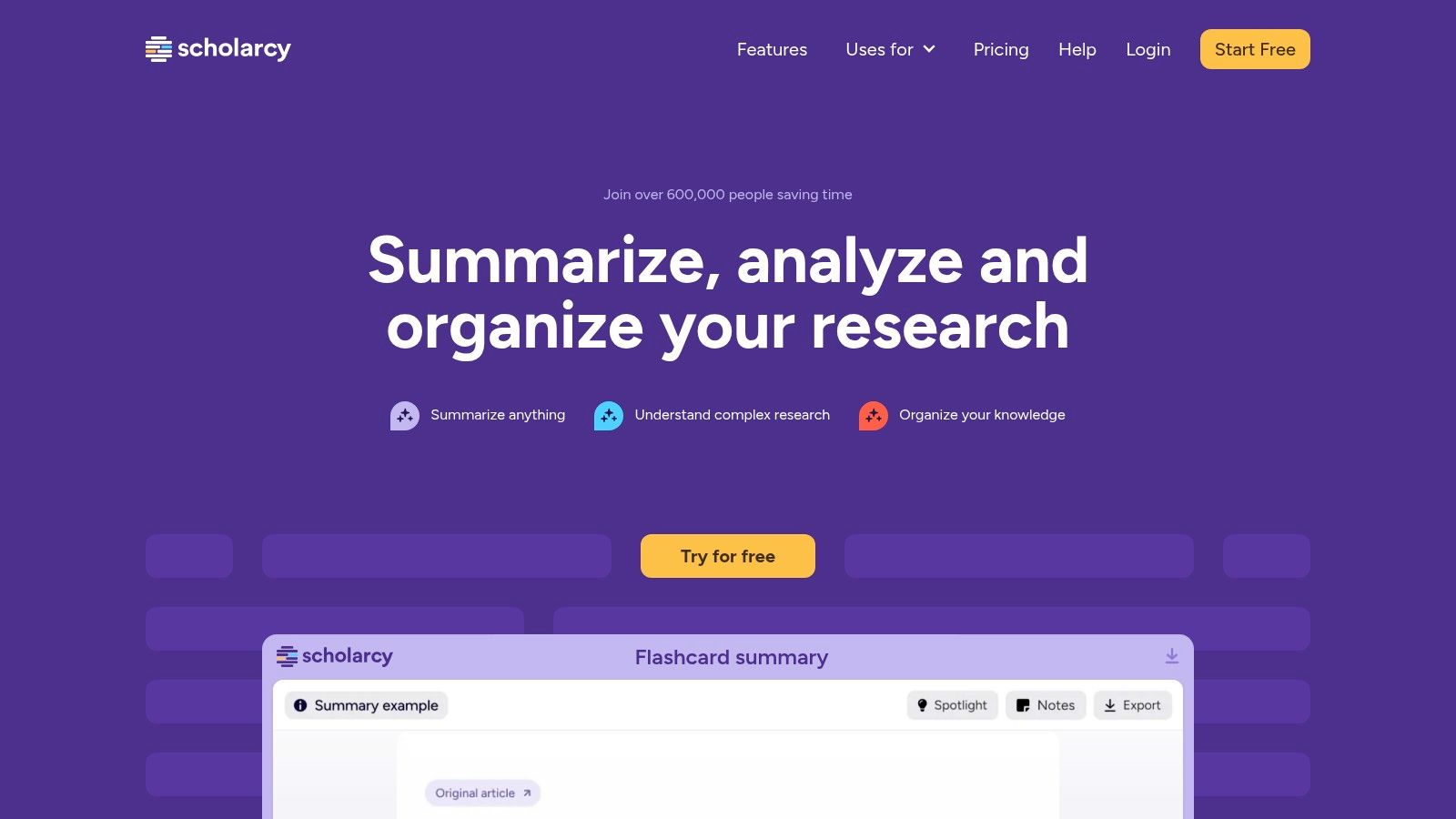
Scholarcy is specifically designed for academics, researchers, and students, making it a highly effective pdf summarizer ai free for scholarly articles and reports. It doesn't just shorten text; it creates a structured "summary flashcard" that extracts key information like the study's main findings, participants, methodology, and limitations. This unique approach helps users quickly triage dense literature, determine a paper's relevance, and create annotated bibliographies. The free plan offers a great way to test its core flashcard-generation capabilities, although with daily usage limits.
Key Features & Use Cases
What sets Scholarcy apart is its academic focus. It excels at parsing the structure of research papers and technical documents, providing a consistent and scannable output every time. A student can upload a dozen papers for a literature review and rapidly identify the most relevant ones based on their summary flashcards. The browser extensions for Chrome, Edge, and Firefox also allow for on-the-fly summarization of articles directly on publisher websites, streamlining the research workflow significantly.
- Pros: Clear, structured outputs ideal for study and literature mapping; lightweight and fast with excellent browser integrations; free tier is available to try.
- Cons: The free tier limits the number of summaries per day; it is not a full chat-with-PDF experience and works best for generating concise overviews.
Website: https://www.scholarcy.com
9. QuillBot Summarizer
QuillBot Summarizer is a straightforward and efficient tool designed for speed, making it an excellent pdf summarizer ai free for those who need quick results without complex features. Its primary function is to condense text, offering two distinct modes: a coherent paragraph summary or a list of key sentences. Users can easily upload a PDF or DOCX file or paste text directly, and then use a slider to adjust the desired summary length, providing a level of control over the output's brevity.

Key Features & Use Cases
What makes QuillBot a strong contender is its simplicity and integration within a broader suite of writing tools. A student can quickly get the main points from a long article before diving in, or a professional can generate a concise overview of a report. The tool is best used for extracting the most crucial information without the need for conversational analysis. For users already utilizing QuillBot for paraphrasing or grammar checks, this summarizer fits seamlessly into their existing workflow.
- Pros: Very easy to use with a clean interface, provides quick results, and the free tier is suitable for casual summarization of shorter documents.
- Cons: The free plan is limited to 1,200 words per input. It lacks deep chat functionalities or citation-grounded analysis found in more advanced tools.
Website: https://quillbot.com/summarize
10. Humata
Humata positions itself as an intelligent "chat with your files" platform, making it a powerful pdf summarizer ai free tool for students and researchers. It excels at allowing users to upload documents and ask direct questions, with the AI providing answers complete with citations from the source text. This is incredibly useful for verifying information and creating bibliographies. Its free plan offers a generous starting point for users to test its core Q&A and summarization capabilities, though it operates on a per-page allowance model.

Key Features & Use Cases
Humata is specifically designed for academic and professional documents rather than general chat. A researcher can upload multiple papers into a folder and ask questions across all of them simultaneously, while a professional can use it to quickly extract key data from dense technical manuals. The folder-level organization and OCR support on certain plans add significant value for managing large projects. The clear per-page limit on its free tier makes it easy to understand usage before committing to a paid plan.
- Pros: Excellent Q&A with citations, ideal for academic and research work. Team plans offer enhanced security and permissions. The page-metered model is transparent and predictable.
- Cons: The free page allowance can be used up quickly with heavy use. Advanced features like enhanced OCR are not available on the most basic plan.
Website: https://www.humata.ai
11. AskYourPDF
AskYourPDF specializes in turning any document into an interactive chatbot, positioning itself as a strong pdf summarizer ai free tool focused on conversational analysis. Its standout feature is the ability to upload and query multiple documents simultaneously, allowing users to synthesize information from various sources in a single chat interface. The platform offers daily free credits, making it accessible for users to test its core Q&A functionality before committing to a paid plan for more extensive use. It also provides a Chrome extension and ChatGPT plugin for enhanced workflow integration.

Key Features & Use Cases
This tool is ideal for researchers comparing studies or professionals cross-referencing multiple reports. You can upload several project briefs and ask the AI to identify common risks or objectives. The Pro plan adds OCR capabilities, which is crucial for working with scanned documents. For a deeper dive into this type of technology, you can explore how to scan and get answers from documents.
- Pros: Supports multi-file chat, offers an API for developers, and provides daily free credits for casual use.
- Cons: The best features like OCR, unlimited questions, and large file support are locked behind a subscription. Plan tiers (Premium vs. Pro) have different limits that require careful review.
Website: https://askyourpdf.com
12. ChatDOC
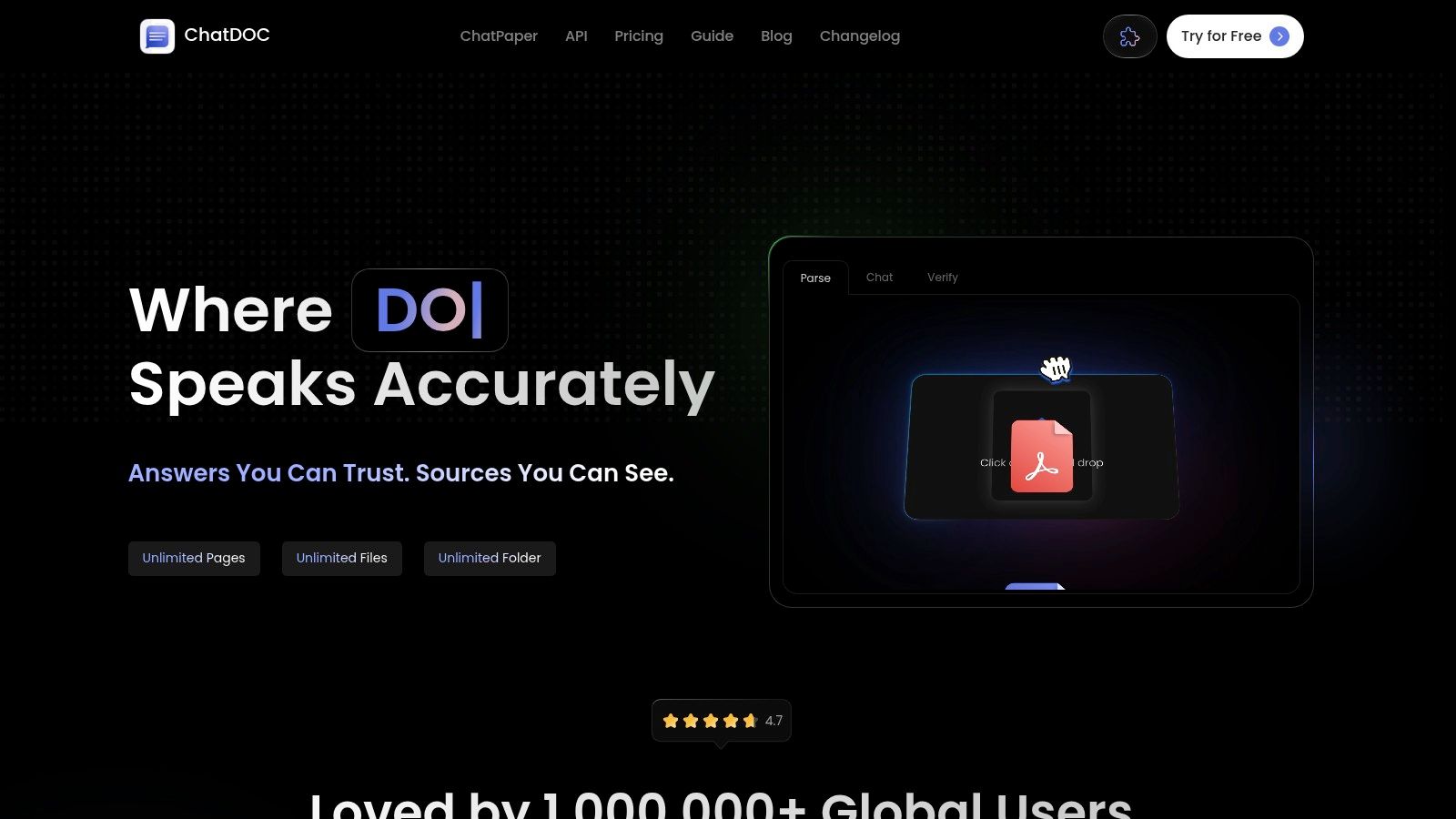
ChatDOC specializes in turning dense, technical documents into conversational Q&A sessions, making it a powerful pdf summarizer ai free tool for academic and professional use. Its standout feature is the ability to accurately interpret and discuss complex elements like tables and mathematical formulas within a PDF. This makes it ideal for users who frequently work with research papers, financial reports, or scientific documents. The free plan offers a solid starting point, providing access to its core chat functionality and document analysis capabilities.
Key Features & Use Cases
ChatDOC excels where other summarizers might fail, particularly with STEM or data-heavy content. A researcher can upload a technical paper and ask the AI to explain a specific equation, or a financial analyst can upload a report and query data points directly from a table. The free version allows users to experience this unique parsing capability. For more advanced features like GPT-4 access or support for additional file types, users can upgrade to its budget-friendly Pro plan.
- Pros: Excellent at parsing tables and formulas in technical PDFs, budget-friendly Pro plan compared to competitors, and has an active support community on Discord.
- Cons: OCR for scanned documents is limited to English and Chinese, and many advanced features are gated behind the paid subscription.
Website: https://chatdoc.com
12-Tool Comparison: Free AI PDF Summarizers
| Tool | Key features | UX & quality | Best for | Unique advantages | Pricing & limits |
|---|---|---|---|---|---|
| PDF Summarizer (Recommended) | Multi-file chat, side-by-side chat+doc, clickable citations, on-the-fly translation, GPT-5 routing | Fast source-linked answers, enterprise-grade security (SOC2), browser-based, occasional AI inaccuracies | Students, researchers, professionals, compliance teams | Cross-document Q&A, multilingual translation, citation jump-to-source, SOC2 security | Try without signup (limited free messages); paid subscription for continued use; 50 MB / 500 pages per file |
| OpenAI ChatGPT | PDF uploads, tailored summaries, data analysis tools, projects, multimodal | Strong instruction-following, frequent updates, cross-platform apps; token/OCR limits possible | Flexible multipurpose use (students, researchers, pros) | Broad model access, multimodal tools, rich apps ecosystem | Free tier with limits; paid plans for higher caps and context |
| Anthropic Claude | PDF chat, Projects/KB, multiple models with long-context options | Excellent long-context comprehension, free tier available, upgrade path to Pro/Max/Team | Deep reading and extended-context reasoning | Strong long-context performance and thoughtful summaries | Free tier; paid Pro/Max/Team unlocks advanced features |
| Perplexity | PDF upload, source-grounded answers with inline citations, Comet browser, Private Spaces | Grounded, research-focused answers; occasional upload reliability issues | Research workflows needing traceable sources | Inline citations, Comet summarization extension, enterprise controls | Free with limits; Pro/Enterprise for higher usage |
| Microsoft 365 Copilot (Word) | Auto summary pane, follow-up Q&A, integrates OneDrive/SharePoint, enterprise controls | Secure tenant-grounded summaries, familiar Word UI, enterprise governance | Organizations using Microsoft 365 needing compliant summaries | Deep Word/cloud integration and enterprise governance | Requires qualifying Microsoft 365 subscription + Copilot license |
| Adobe Acrobat AI Assistant / Studio | PDF chat, contract insights, PDF Spaces, contract diffs | Native Acrobat integration, citation & contract-focused outputs; some features add-on | Legal, contract review, compliance teams | Contract intelligence, multi-doc PDF Spaces, Acrobat ecosystem | Add-on pricing; Acrobat Studio subscription for full workspace |
| SciSpace Copilot | Highlight-to-explain, equation/table explanation, literature-review exports, extension | Academic-oriented, line-level citations, math support | Academics and researchers reading scholarly PDFs | Explains equations/tables, literature-review export formats | Tiered plans (student to team); pricing often behind account |
| Scholarcy | Structured "summary flashcards", bibliography exports, browser extensions | Fast, structured outputs ideal for study, lightweight | Students and literature triage | Flashcards and bibliography exports for study workflows | Free tier with daily limits; paid for higher volume |
| QuillBot Summarizer | Paragraph / key-sentence modes, adjustable length, file uploads | Very simple and fast, no deep chat or citation grounding | Quick condensation of articles, essays, reports | Integrates with QuillBot writing tools (paraphraser/grammar) | Free (1,200 words/input); Premium expands limits |
| Humata | Q&A with citations, OCR support, folder org, per-page allowances, team plans | Predictable per-page billing, designed for documents, security on higher tiers | Students, researchers, small teams needing cost predictability | Per-page allowances, team security controls (SOC-2 posture on higher tiers) | Page-metered pricing; OCR/permissions vary by plan |
| AskYourPDF | Multi-file chat, Chrome extension, ChatGPT plugin, API, OCR (Pro) | Focused doc Q&A workflow, daily free credits to test | Developers and users needing integrations and API | API access, browser/plugin integrations, daily free credits | Free daily credits; subscription for OCR, larger files, unlimited queries |
| ChatDOC | PDF chat, table & formula parsing, GPT-4 on Pro, URL/ePub support | Budget-friendly Pro plan, good for technical PDFs, advanced features gated | Technical users with math-heavy documents | Formula recognition, affordable Pro access | Free/basic features; Pro for GPT-4, OCR and advanced formats |
Transform Your Workflow: From Information Overload to Actionable Insight
The journey through the landscape of AI-powered document analysis reveals a powerful truth: the right pdf summarizer ai free tool can fundamentally shift your relationship with information. We've moved beyond the era of manual skimming and laborious note-taking. Today, you can transform dense, multi-page documents into digestible summaries, verifiable insights, and actionable knowledge in a matter of seconds.
Throughout this guide, we've explored a diverse array of solutions, from versatile conversational AIs like ChatGPT and Claude to highly specialized academic assistants such as SciSpace and Scholarcy. The key takeaway is that there is no single "best" tool for everyone. The ideal choice is entirely subjective, dictated by your unique workflow, priorities, and the nature of the documents you handle daily.
Choosing the Right Tool for Your Needs
To make an informed decision, reflect on your primary use case. Your goal should be to match a tool's strengths to your specific challenges:
- For Academic Rigor: If you are a student or researcher, your priority is likely citation tracking, verifiable data extraction, and deep analysis of scholarly articles. Tools like SciSpace Copilot and Scholarcy were built for this very purpose, offering features that standard AIs lack.
- For Seamless Integration: Professionals working within established ecosystems will find immense value in integrated assistants. Microsoft 365 Copilot and Adobe Acrobat AI Assistant excel here, embedding summarization capabilities directly into the software you already use, minimizing friction and context switching.
- For Quick, Conversational Insights: When you need fast answers or summaries from a single document without complex features, dedicated chat-based tools like Humata, AskYourPDF, and ChatDOC provide an intuitive and efficient experience. They turn static PDFs into interactive conversation partners.
- For All-Around Versatility: If your needs vary from day to day, a powerful, general-purpose tool is your best bet. Models like ChatGPT and Claude can handle a wide range of documents, though they may require more careful prompting and lack specialized features like page-specific citations.
The emergence of these tools marks a significant leap in personal and professional productivity. By offloading the cognitive burden of initial document processing, you free up valuable mental energy for what truly matters: critical thinking, strategic planning, and creative problem-solving. This isn't just about saving time; it's about gaining a deeper, more immediate understanding of complex materials, allowing you to make better, faster decisions.
Your next step is to move from reading to doing. Experimentation is key. The beauty of the "pdf summarizer ai free" market is the low barrier to entry. You can test several of the platforms we've discussed without any financial commitment. Start with a document you know well to benchmark the quality of the summaries and then move on to new material. Find the interface that feels most intuitive and the output that best suits your needs, and begin reclaiming hours of your valuable time.
Ready to experience the power of a dedicated, secure, and verifiable document analysis tool? Try the free version of PDF Summarizer today. It offers a secure, no-signup environment to instantly summarize your documents with page-referenced answers, making it the perfect first step into a more efficient workflow. Get started with PDF Summarizer and transform your documents into knowledge.
Relevant articles
Discover how text summarization AI turns dense documents into clear, actionable insights. Our guide explains the models, methods, and real-world applications.
Discover how an AI PDF summarizer can transform dense documents into clear insights. Learn about key features, practical uses, and how to start today.
Discover how to combine pdf files on any device with quick, practical steps for students and pros to merge docs effortlessly.
Discover the best pdf article summarizer to boost your productivity. Our 2026 review covers top AI tools for students, researchers, and professionals.
Save hours of reading with a free PDF summarizer. Learn how these AI tools work, discover key features, and see how to integrate one into your workflow today.
Discover how a PDF summary generator can transform your workflow. This guide breaks down how AI works, features to look for, and tips for perfect summaries.